  1. Home
  2. Gaming
  3. How tos

How to change mouse controls in Lost Ark

Add as a preferred source on Google
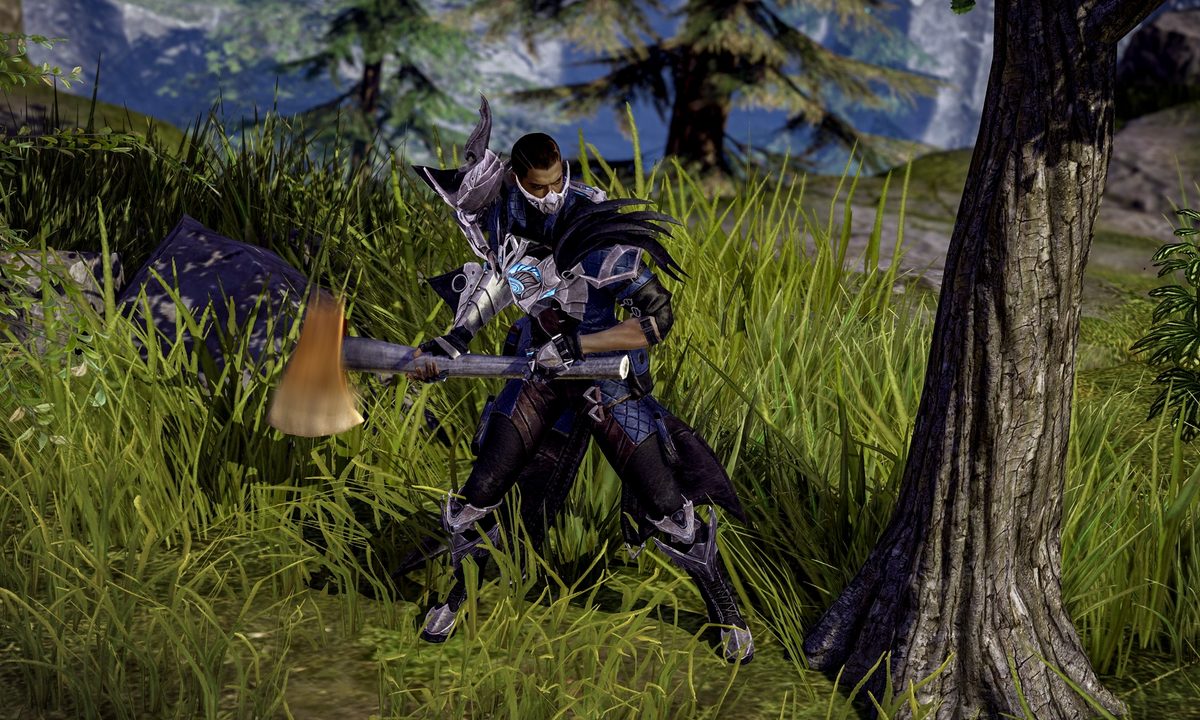
Lost Ark player harvesting wood.
Image used with permission by copyright holder

Lost Ark has already seen over 1 million concurrent players on Steam, making it one of the largest releases of 2022. The unique MMO combines tropes commonly seen in the genre — think dungeons, PvP, loot, and a lengthy main quest — but it pulls the camera back for a top-down perspective typically seen in ARPGs. The control scheme is also a bit unusual for a modern MMO, with your mouse handling movement and your keyboard handling skills.

Recommended Videos

Difficulty

Easy

Duration

5 minutes

What You Need

  • Lost Ark

If you're not a fan of your current setup (or just want to browse other control schemes) here's how to change mouse settings in Lost Ark.

Change Lost Ark mouse controls from the Settings menu

While Lost Ark will immediately let you pick your control settings, after a few hours of playing you might realize the option you chose isn't perfect for your playstyle. Unfortunately, there's no way to get back to that original control setup menu — but you can tweak all the same settings using the in-game menu. Here's how it works:

Step 1: Press the Esc key on your keyboard to open the in-game menu.

Step 2: Select the Setting subsection.

Step 3: Open the Hotkey tab, then navigate to Basic Controls.

Step 4: On the Basic Controls menu, you'll have the option to enable Attack with Right-Click or swap out any of the other key bindings. We'd recommend playing around with this for a few minutes before finalizing your choices.

lost ark change mouse settings
Image used with permission by copyright holder

Step 5: If you have a gaming mouse with additional buttons, you can assign skills to them using the same Hotkey menu.

Step 6: Rather play with a gamepad than mouse and keyboard? The Settings menu also contains a Gamepad submenu that allows you to remap controls to a supported controller.

What are the best control settings in Lost Ark?

Like all games, there's really no "best control settings" for Lost Ark. If you're familiar with ARPGs like Diablo, you'll be right at home controlling movement with the mouse and using the keys for skills. If you're coming from World of Warcraft, The Elder Scrolls Online, or Final Fantasy XIV, however, there might be a bit of a learning curve.

The only bit of advice we can give is to make sure your control scheme works for you. If your most-used skills are easily accessible and you can navigate the battlefield with ease, then you're doing it right. Expect to go through a few iterations as you optimize your controls (and unlock new skills), but after a couple of days, the unique movement settings should become second nature.

Jon Bitner
Former Digital Trends Contributor
Jon Bitner is a writer covering consumer electronics, technology, and gaming. His work has been published on various websites…
PlayStation Store’s Summer Sale starts July 15 with up to 75% off hundreds of games
Clair Obscur Expedition 33, God of War Ragnarök, and Space Marine 2 are confirmed for PlayStation’s Summer Sale
Purple, Art, Graphics

Sony has announced that the PlayStation Store’s Summer Sale will begin on July 15, bringing discounts of up to 75% across hundreds of PS5, PS4, and PS VR2 games. Add-ons, expansion packs, and special editions will also be included.

The full list of prices will appear once the sale goes live, but Sony has already confirmed plenty of major games for the promotion. The early lineup covers recent releases, PlayStation exclusives, and several older titles that may be worth revisiting at a lower price.

Read more
Xbox and Nvidia want Gears of War: E-Day to show off what RTX PCs can really do
Here's everything NVIDIA's new exclusive partnership adds to Gears of War: E-Day's PC version, plus when you can actually start playing it.
Mountain, Nature, Outdoors

Gears of War fans building a new PC rig just got a very good reason to make sure there’s a GeForce card inside.

The Coalition and Xbox have named Nvidia the exclusive PC partner for Gears of War: E-Day, working alongside the studio since early development on performance tuning and launch support. 

Read more
I found three Back-to-School gaming accessory deals I’d actually spend my money on
Skip the outdated gaming gear and focus on these three discounted accessories that are genuinely worth adding to a dorm room or study setup.
Logitech PRO X SUPERLIGHT 2 SE featured

Back-to-School sales are everywhere right now, but gaming accessories are one category where it's surprisingly easy to end up with outdated gear that only looks like a bargain. A real deal isn't just about a lower price, but it also needs to be a product that's still genuinely worth buying. After digging through this year's discounts, I kept coming back to the same three products. Whether it's a lightweight esports mouse, a comfortable wireless headset, or a controller that turns a phone into a handheld console, these are the accessories I'd actually recommend picking up while they're on sale.

Logitech G PRO X Superlight 2 SE

Read more