  1. Home
  2. Gaming
  3. How tos

How to transfer Pokémon from Brilliant Diamond and Shining Pearl to Pokémon Home

Add as a preferred source on Google
A myriad of Pokemon enjoying the beach together
Image used with permission by copyright holder

The entire point of Pokémon is to build bonds and friendships with your team of colorful creatures you battle with and capture on your adventures through the lands. By naming them, fighting side by side, and watching them evolve, these bonds will start to grow whether you know it or not.

That makes it that much harder to let your trusty companions go whenever a new Pokémon title is released. However, Game Freak realized this problem and worked to create a solution. This led to the creation of Pokémon Home.

Recommended Videos

Difficulty

Easy

Duration

10 minutes

What You Need

  • Nintendo Switch

  • Pokémon Brilliant Diamond or Shining Pearl

Pokémon Home is a cloud storage app designed specifically for moving Pokémon from one game to the next, replacing the old system called the Pokémon Bank. By connecting to the app, you can move your Pokémon from any compatible game, now including Pokémon Brilliant Diamond and Shining Pearl, forward into future titles.

This feature wasn't available at launch, so some newer players may not know how it works. If you want to make sure you can take your favorite team into future Pokémon titles easily, here's how to transfer Pokémon from Brilliant Diamond and Shining Pearl into Pokémon Home.

Further reading

how to transfer pokemon from brilliant diamond and shining pearl home pok  mon
Image used with permission by copyright holder

How to transfer Pokémon from Pokémon Brilliant Diamond and Shining Pearl into Pokémon Home

With the latest update to the Pokémon Home app, you will be able to now transfer Pokémon from Pokémon Brilliant Diamond and Shining Pearl as well as Pokémon Legends: Arceus into all games that support the app. Here's how to do it.

Step 1: Download the Pokémon Home app on your Nintendo Switch.

Step 2: Open the app and choose the Pokémon option.

Step 3: The app will access all the Pokémon save data on your Switch. Select your save data from Pokémon Brilliant Diamond or Shining Pearl.

Step 4: Choose which Pokémon you want to deposit into Pokémon Home or which Pokémon in Home you want to take out.

Video still of Pokemon Legends Arceus.
Nintendo

Rewards for using Pokémon Home

As a bit of a thank you for using Pokémon Home, anyone who utilizes this app to transfer Pokémon from Pokémon Brilliant Diamond or Shining Pearl into Home will be rewarded with a few free Pokémon with maximum effort levels. These include:

  • Turtwig
  • Chimchar
  • Piplup
  • Rowlet
  • Cyndaquil
  • Oshwatt

Bear in mind that any Pokémon you move into a game where they didn't normally appear may cause their levels and moves to alter slightly. Don't panic, though, because once you bring them back to a game they do naturally exist in, they will be exactly the same as they were.

Jesse Lennox
Former Digital Trends Contributor
Jesse Lennox covers all things gaming but has a specific interest in all things PlayStation, JRPGs, and experimental indies…
Sega’s Virtua Fighter Crossroads is coming to Nvidia’s wild new RTX Spark PCs
Virtua Fighter Crossroads will help showcase gaming on Nvidia’s new RTX Spark platform
Computer Hardware, Electronics, Hardware

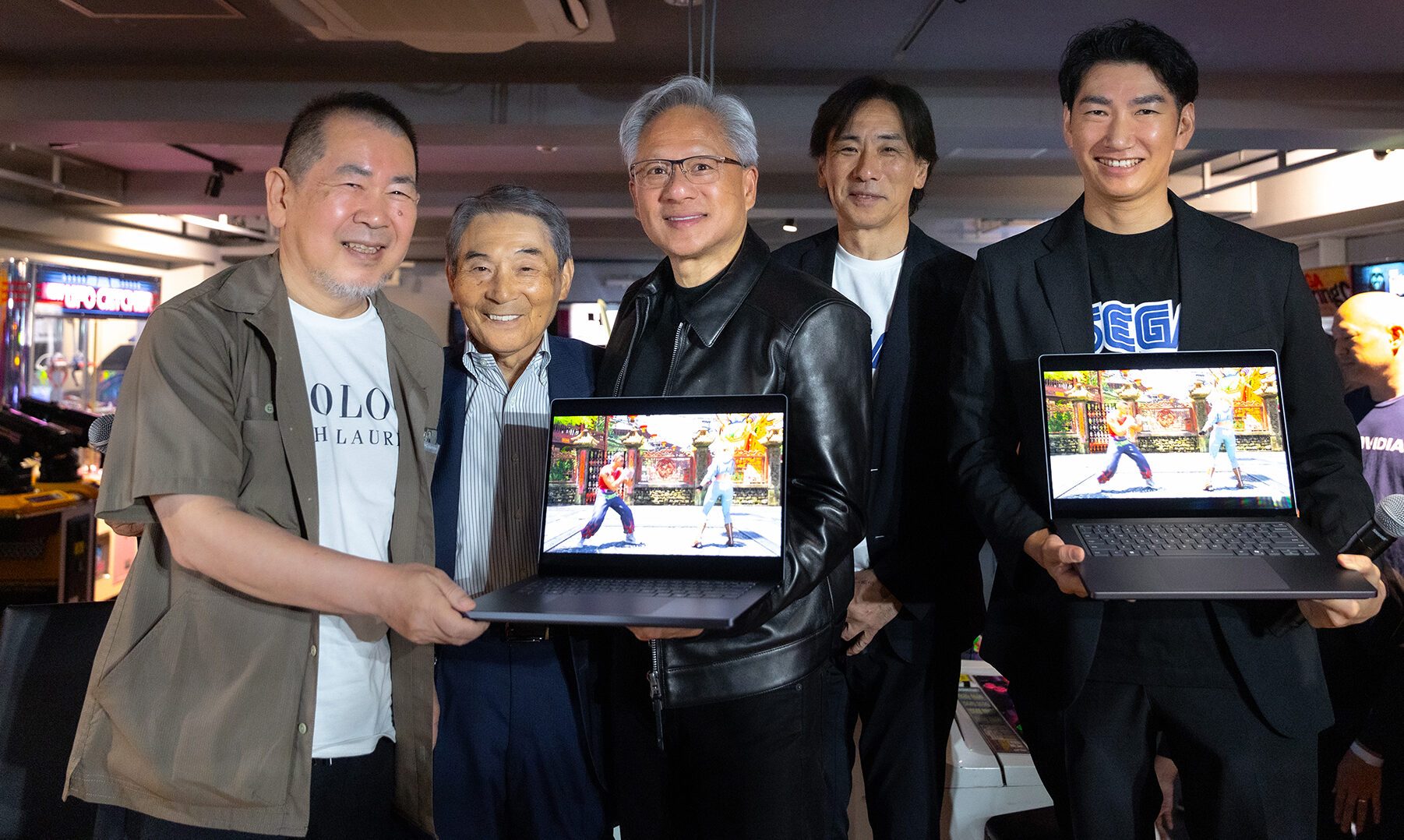
Nvidia’s new RTX Spark platform has landed one of its first major games. Sega has confirmed that Virtua Fighter Crossroads will run on RTX Spark-powered laptops and compact desktop PCs when the game arrives in 2027. More Sega titles are also heading to the platform, although neither company has named them yet.

The announcement also marks more than 30 years of collaboration between Nvidia and Sega, a relationship that began when Nvidia’s NV1 graphics chip helped bring the original Virtua Fighter to PC. Sega later helped keep the young chipmaker alive by turning a $5 million payment into an investment when Nvidia was close to running out of money.

Read more
Lenovo’s new gaming laptop is the first to feature a 240Hz inkjet-printed OLED display
TCL’s inkjet-printed OLED technology finally reaches a commercial laptop through Lenovo
Computer, Electronics, Laptop

TCL has spent years saying inkjet-printed OLED could improve image quality, efficiency, lifespan, and manufacturing costs. Back in 2024, the company was still showing prototype laptop panels and promising a “comprehensive breakthrough” once the technology was ready for commercial products.

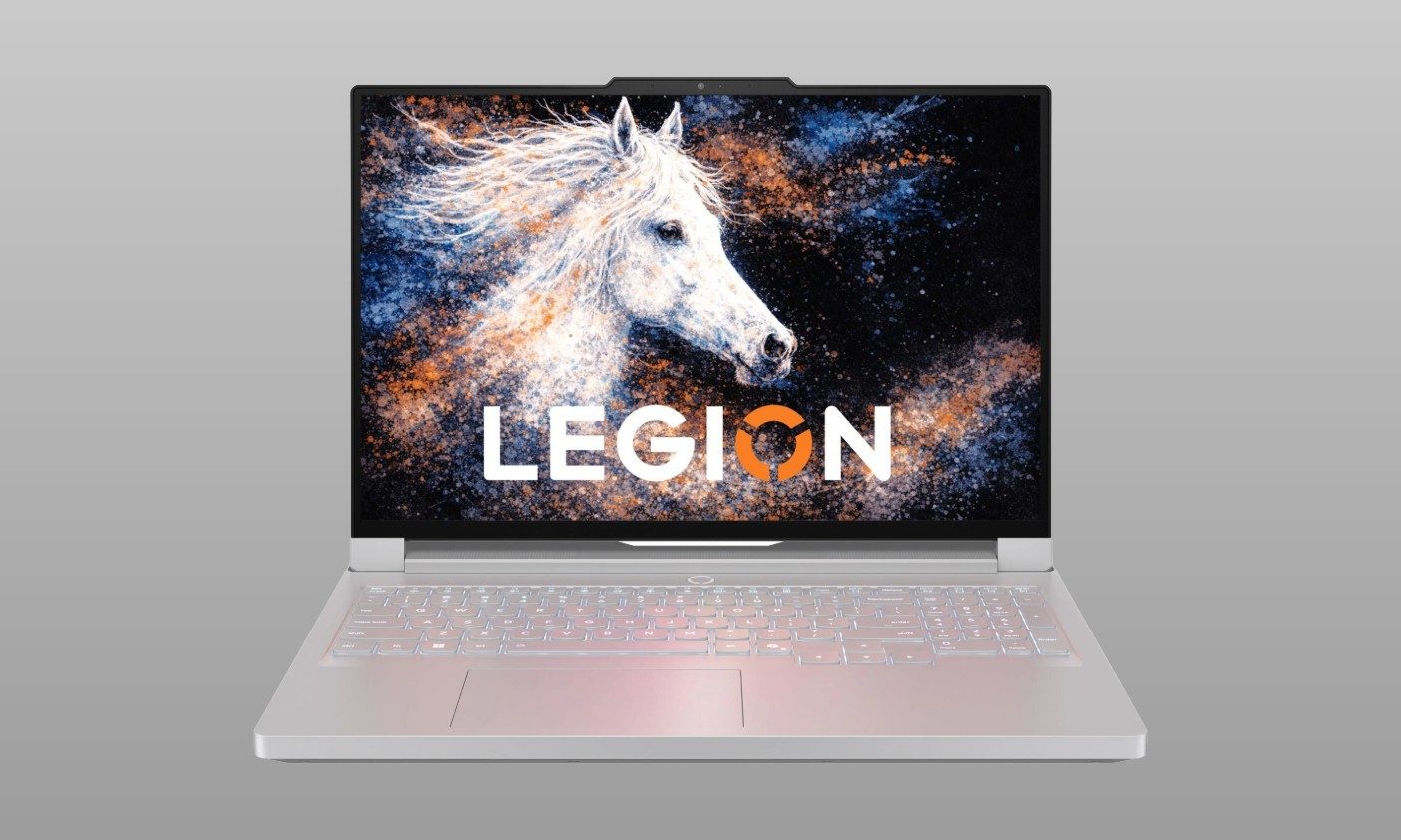
Two years later, it has finally arrived in a gaming laptop. Lenovo’s new Legion R9000P uses a 16-inch panel that TCL CSOT describes as the world’s first inkjet-printed OLED display integrated into a laptop.

Read more
Roblox’s AI Build tool wants to make game development as easy as texting
Just describe your idea, and Roblox's AI will help turn it into a playable game.
Roblox

Roblox is turning 20 soon, and it's marking the occasion with a new way to make games without writing a single line of code. The platform's whole pitch has always been that anyone can be a creator, not just professional studios. Now, with millions of daily users, Roblox is finally bringing that power straight to your tablets and phones.

What exactly is Build?

Read more