1. Home
  2. Gaming
  3. How tos

How to speed up game downloads on Steam

Add as a preferred source on Google
A dynamic collection in Steam.
Jacob Roach / Digital Trends

Steam is the storefront of choice for the best PC games on the market. Thanks to frequent Steam sales, PC players can build up an endless backlog of multiplayer games, FPS games, co-op games, and more. Plus, with tons of great upcoming PC games, there's plenty to look forward to in the gaming world. The only downside is waiting for the game to download. If you suspect your games aren't downloading as fast as they should, try these tips to speed things up.

Recommended Videos

Difficulty

Easy

Duration

20 minutes

What You Need

  • Steam

Ethernet on the 2022 Amazon Fire TV Cube.
Phil Nickinson/Digital Trends / Digital Trends

Hardwire your PC

If you're on Wi-Fi, no matter what you will get slower download speeds. It doesn't matter how fast your internet speeds are, Wi-Fi will never be able to compete with a hardwired connection. If you have the option, plug your PC into your router directly when downloading games to make sure you're getting the maximum download speeds.

The Steam download settings menu.
Valve

Check Steam's download speed options and clear the cache

Steam has two options that scan slow your downloads down. They should be off by default, but it is possible you or someone else may have accidentally enabled them. They're meant for people on limited data or who also stream, so make sure they're off to keep Steam itself from throttling your speeds.

Step 1: Open Steam and go into the Settings menu.

Step 2: Click Downloads and look for Limit download speed and Throttle downloads while streaming and make sure both are disabled.

Step 3: Below that, also click the Clear cache button.

Check your region

Steam will choose a default server to download from based on your location, but it doesn't always pick the best one.

Step 1: Go into Settings ->Downloads.

Step 2: At the top, check the Download region and select the closest server to your location. This will require you to restart Steam to take effect.


Jesse Lennox
Former Digital Trends Contributor
Jesse Lennox covers all things gaming but has a specific interest in all things PlayStation, JRPGs, and experimental indies…
Your GTA 6 ‘physical copy’ could expire before you even play it
Rockstar has confirmed that Japanese PS5 download codes won't remain valid forever.
Poster for GTA 6 game.

The debate around GTA 6's "physical" edition just got another twist. Rockstar has confirmed on its official website that PS5 download codes included with physical copies of Grand Theft Auto VI sold in Japan will expire 170 days after the game's November 19, 2026 launch date. That means players who don't redeem the code before roughly May 8, 2027 could be left with nothing more than an empty game box, even though they purchased a physical copy. The company says the policy is required due to regional regulations in Japan.

Why only Japan?

Read more
God of War Laufey finally has a release date, and there’s some good news for Kratos fans too
Santa Monica Studio confirmed the game will launch February 16, 2027, and revealed a new mainline Kratos title is already in development.
God of War: Laufey

Sony gave fans their first look at God of War Laufey during June's PlayStation State of Play, but the company did not share a release date at the time. Speculation about the launch window followed almost immediately, with industry insider NateTheHate pointing to a release in the first half of 2027. Santa Monica Studio has finally ended the guessing game, confirming that the title will launch on February 16, 2027.

Physical copies are locked in

Read more
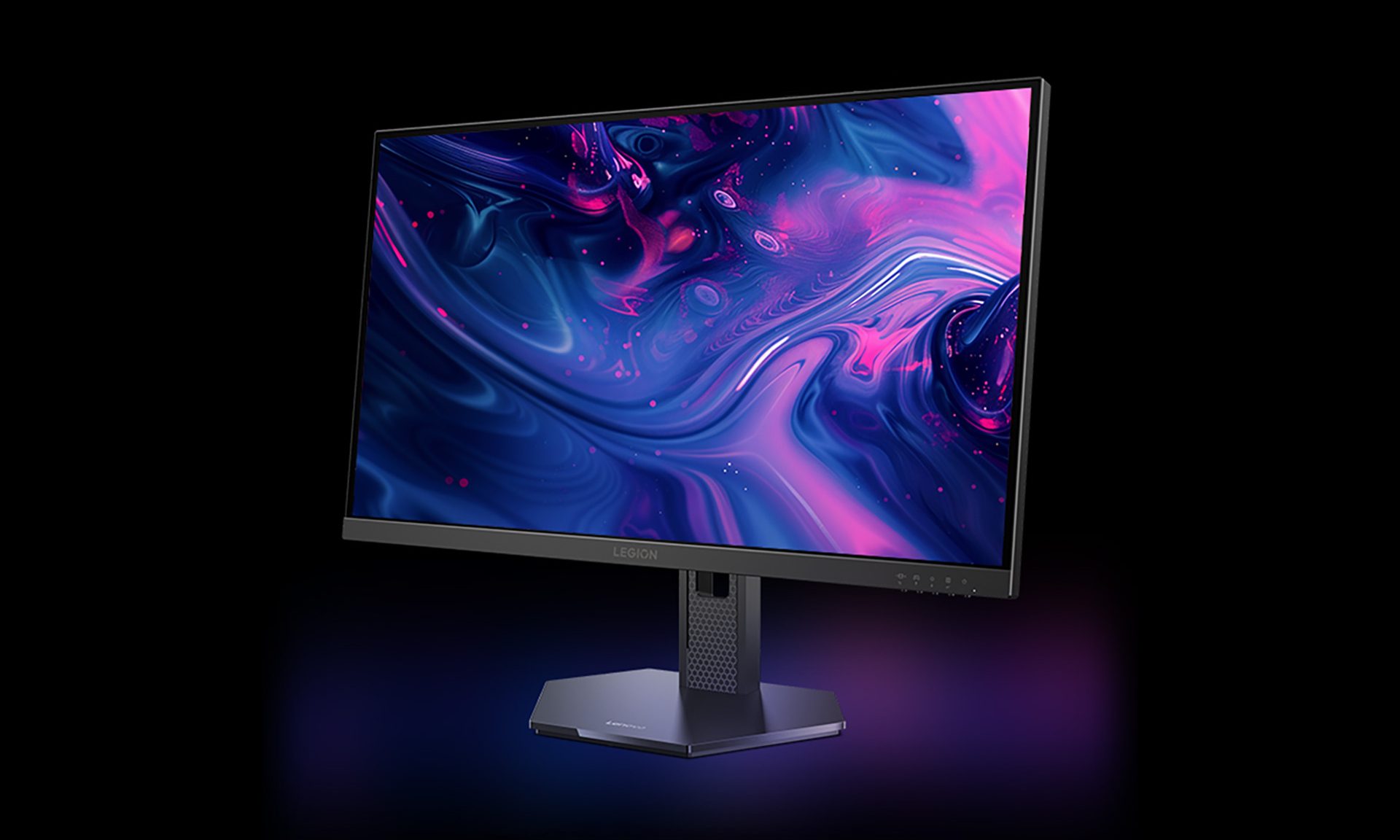
Lenovo’s $99 280Hz gaming monitor is built for the ramen-budget crowd
Lenovo is selling a 280Hz monitor for less than GTA 6 Ultimate Edition
Lenovo gaming monitor render

Fresh off launching a metallic Hall-effect keyboard and a 59g gaming mouse for flashy esports setups, Lenovo has turned its attention to gamers working with much tighter budgets. The Legion 24-1r looks made for broke college students who spent way too much on their first gaming rig and now have instant noodles doing most of the heavy lifting at dinner. It costs just 669 yuan, equivalent to around $99, yet offers a 23.8-inch IPS panel running at up to 280Hz.

Lenovo is also offering the 27-inch Legion 27-1r with the same core specifications for 789 yuan, or roughly $116. For the ramen-budget crowd chasing competitive frame rates, both look like seriously tempting deals. (via NotebookCheck)

Read more