1. Home
  2. Phones
  3. Mobile
  4. Social Media
  5. News

Donate to charity while chatting with a celebrity with new app Chatter

Add as a preferred source on Google

If talking to Leonardo DiCaprio isn’t enough to raise your blood pressure, maybe the thought of donating to charity will do it for you. Whether you’re titillated by good actions or good looks, Chatter just might be the new social media app for you. Making its debut on Thursday, this app promises to “make the dreams of many come true” by allowing users to chat directly with some of their favorite stars and most popular celebrities. From Leo to Drake to models like Amanda Cerny and Nina Adgal, the stars seem on board to contribute not only to your fangirl or boy dreams, but to great causes as well.

Chatter claims to connect fans directly to these stars via a one-on-one video chat, while simultaneously raising money for charity. Already, more than 30 actors, singers, and influencers have signed on to not only reach their fan bases in a new, creative way, but also draw attention to some of their favorite non-profits.

Recommended Videos

These charities are in turn able to boost their own social media presence and reach a wider audience, making it a potential win-win-win type of situation.

“No other mobile app on the market is able to benefit and touch the lives of such a broad spectrum of people — it is the ultimate social giving network,” said Chatter co-founder Pasha King. “This innovative technology breaks down the invisible barriers that currently exist between celebrities and their fans, giving users the experience of a lifetime, whilst more importantly enabling people to donate to charity and help those less fortunate than themselves,” added co-founder, Teague Egan.

So how does it work? For the chance to speak to a celebrity, fans are asked to purchase a $5 raffle ticket. A random winner is granted a one-on-one video chat within the app. And if you want to up your chances of being the lucky chosen one, you can bid in an auction-style format, raising more money for charity, and improving the likelihood of being able to ask Pharrell what the best part of being famous really is.

And to ensure that celebrities are incentivized to raise money for their respective organizations, Chatter has a “Celebrity Leaderboard” in the app to track which star is most successful in soliciting funds.

“Stars are the most competitive people on the planet, so it will be fun to see the competition heat up,” Pasha said.


Lulu Chang
Fascinated by the effects of technology on human interaction, Lulu believes that if her parents can use your new app…
Android desktop mode made me miss my laptop in record time
I tried writing and publishing from Google’s phone-to-monitor setup, and the future of mobile computing immediately started sweating.
Computer, Electronics, Laptop

Android 17 desktop mode has a very simple pitch. Plug your phone into a monitor, add a keyboard and mouse, and watch the slab in your pocket pretend to be a computer. I wanted to give that pitch a fair shot, so I tried using it for an actual workday instead of a cute demo.

The goal was boring on purpose: write an article, edit it, build the page in WordPress, upload whatever needed uploading, and publish the thing without running back to my laptop like a coward.

Read more
After test-driving iOS 27, my iPhone still doesn’t feel like it has made a substantial leap
Siri learned new tricks. Safari got smarter tabs. My morning routine didn't change at all.
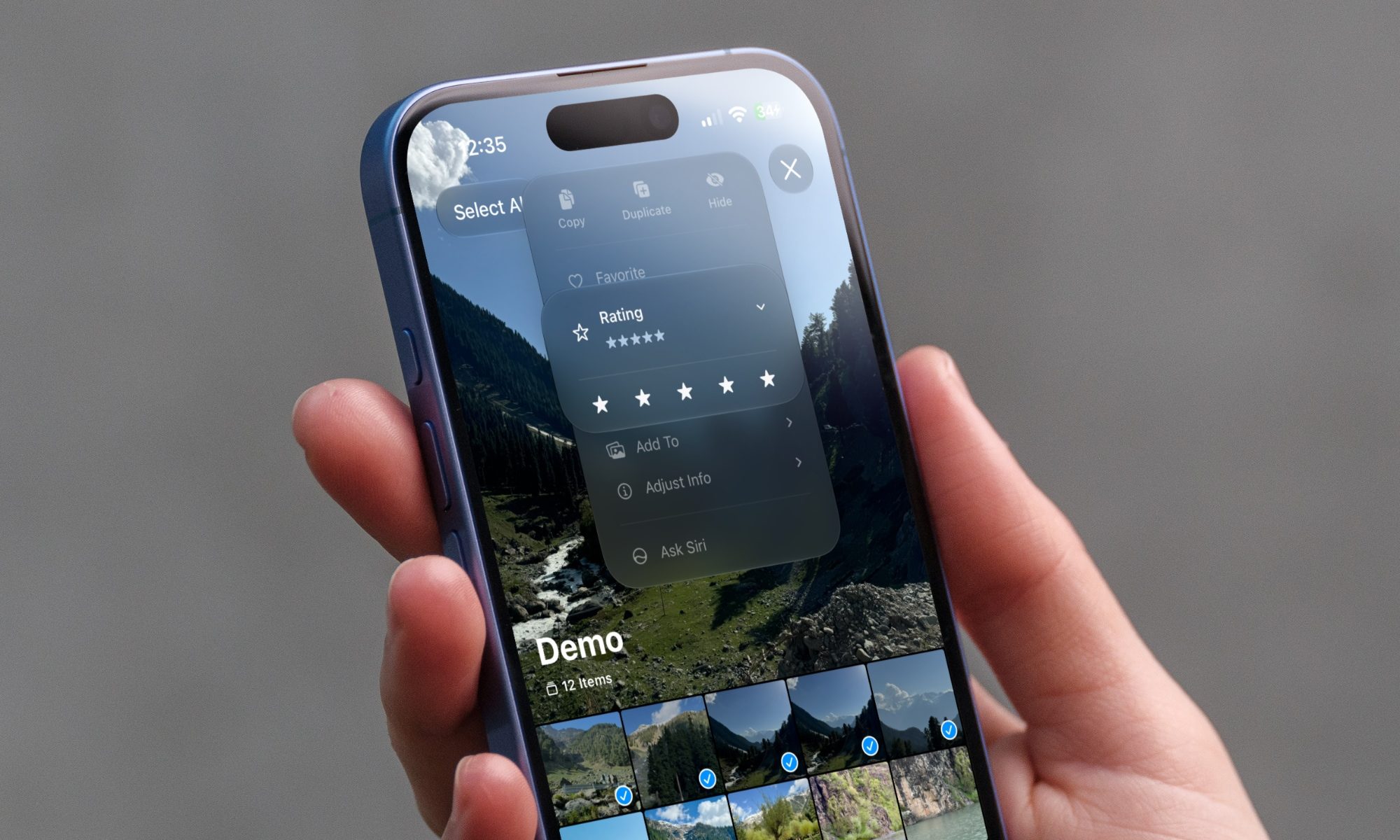
iOS 27 new star rating feature in Photos

Every June, after Apple wraps up its annual WWDC keynote, I install the latest iOS beta on my iPhone, watch the progress bar crawl to completion, and wait for the inevitable restart. For years, picking up my phone afterward felt almost identical to how it did before the update. 

I saw the same grid of icons, the same Control Center, and the same version of Siri until iOS 26 finally broke that pattern in 2025.

Read more
Android 17 makes a strong case for ignoring Android version numbers entirely
When the most noticeable change is a better Quick Settings button, the annual update cycle starts looking more like branding than progress.
Android 17 logo.

Android 17 finally separated the Wi-Fi and mobile data buttons, and I hate how much that improved my mood. For years, Android treated internet access like one mysterious blob, as if Wi-Fi and cellular data were emotionally codependent. In Android 17 Beta 3, Google split the old combined Internet button into separate Wi-Fi and mobile data tiles, making each connection easier to switch off with a single tap.

That’s a good change, which is also why it’s a little damning. When one of the cleanest wins in a major OS update is “the buttons make sense again,” the celebration gets awkward fast.

Read more