I’m sure we’ve all been there: You launch Netflix to stream a TV show or movie. But instead, end up spending hours scrolling and trying to decide what to watch.
For a few bucks, Netflix puts a sea of content at your disposal but its discovery engine — oblivious to factors such as your mood, your partner’s interests — often leaves you fending for yourself to get through the endless ordeal of picking one.
Fortunately, there are better solutions you can rely on for Netflix recommendations. Here are a bunch of apps and websites that will help you figure out what you should watch on Netflix.
Further reading
1. Flixi (Android, iOS)
With an app called Flixi, you can let AI take care of your TV and movie needs.
Flixi bills itself as a movie and TV personal assistant. Its headlining ability is an AI-based tool that recommends content depending on what you like and what you’ve streamed in the past.
At launch, Flixi will ask you to rate and add a few TV shows and movies. Based on that, it builds what the developer likes to call a Taste Score. By keeping tabs on the shows you watch, Flixi continues to adjust that score and recommends stuff you should watch accordingly.
Another tool on Flixi you’ll find handy is its group compatibility tests. You can add other Flixi users to your account and explore recommendations that match both you and your friend’s taste.
Flixi is not restricted to Netflix either. It supports a range of other streaming platforms including Amazon Prime Video, HBO, Hulu, and more.
2. Dinggo! (Android, iOS, Web)
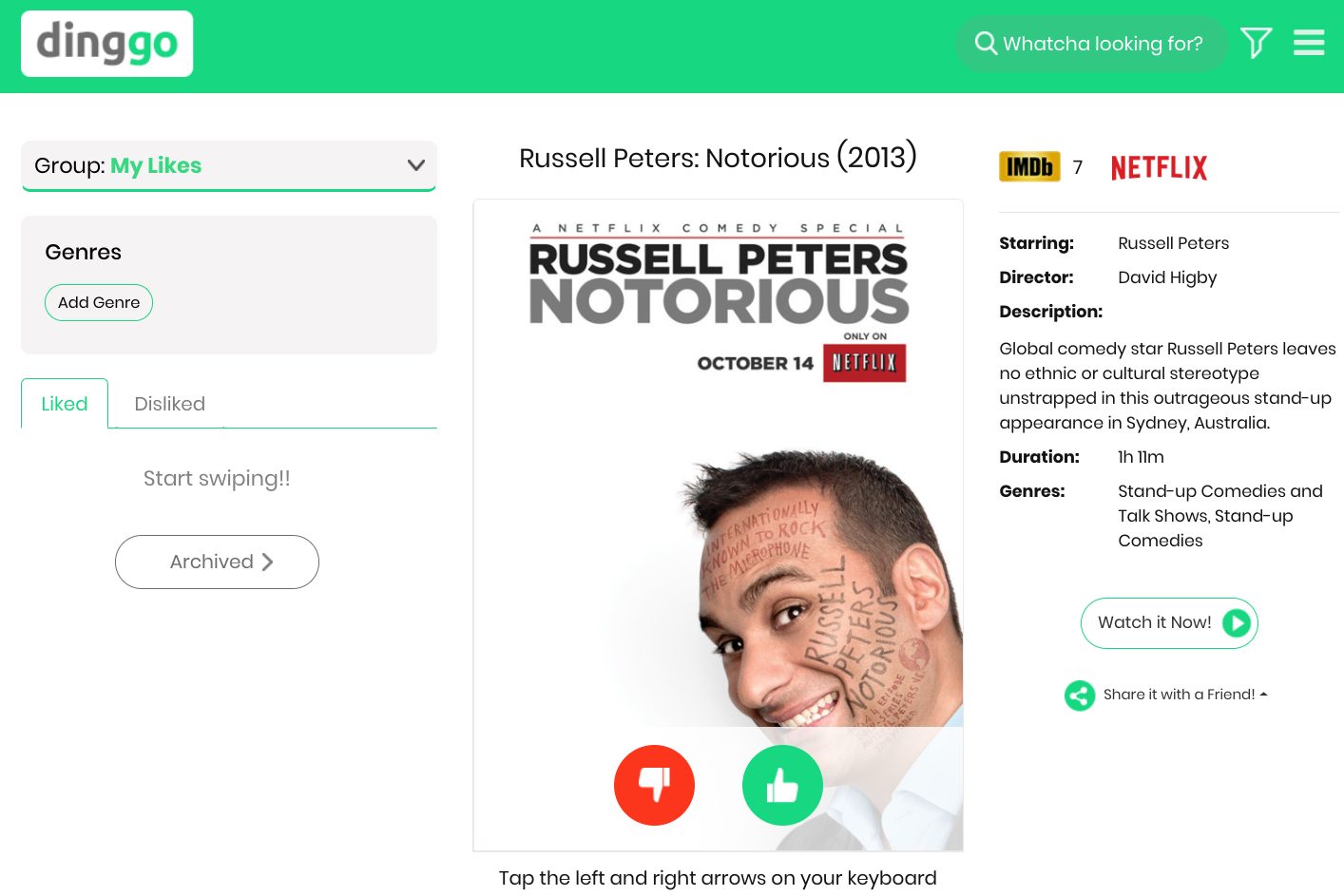
Dinggo makes deciding what to watch on Netflix as straightforward as swiping on Tinder.
Dinggo comes with a Tinder-like interface where you can swipe right or left on suggested shows and movies. Swipe right to like, swipe left to discard, and swipe up to read more.
As you progress, the app tweaks its algorithms depending on what you like and soon, you should be able to settle on a TV series or movie in a handful of swipes. Before you begin swiping, Dinggo also allows you to narrow down the search to specific genres. At the time of writing, Dinggo fetched listings from three services — Netflix, Amazon Prime Video, and Hulu.
Dinggo has both Android and iOS apps but you can skip downloading those and use a web app too.
3. Taste (Android, iOS, Web)
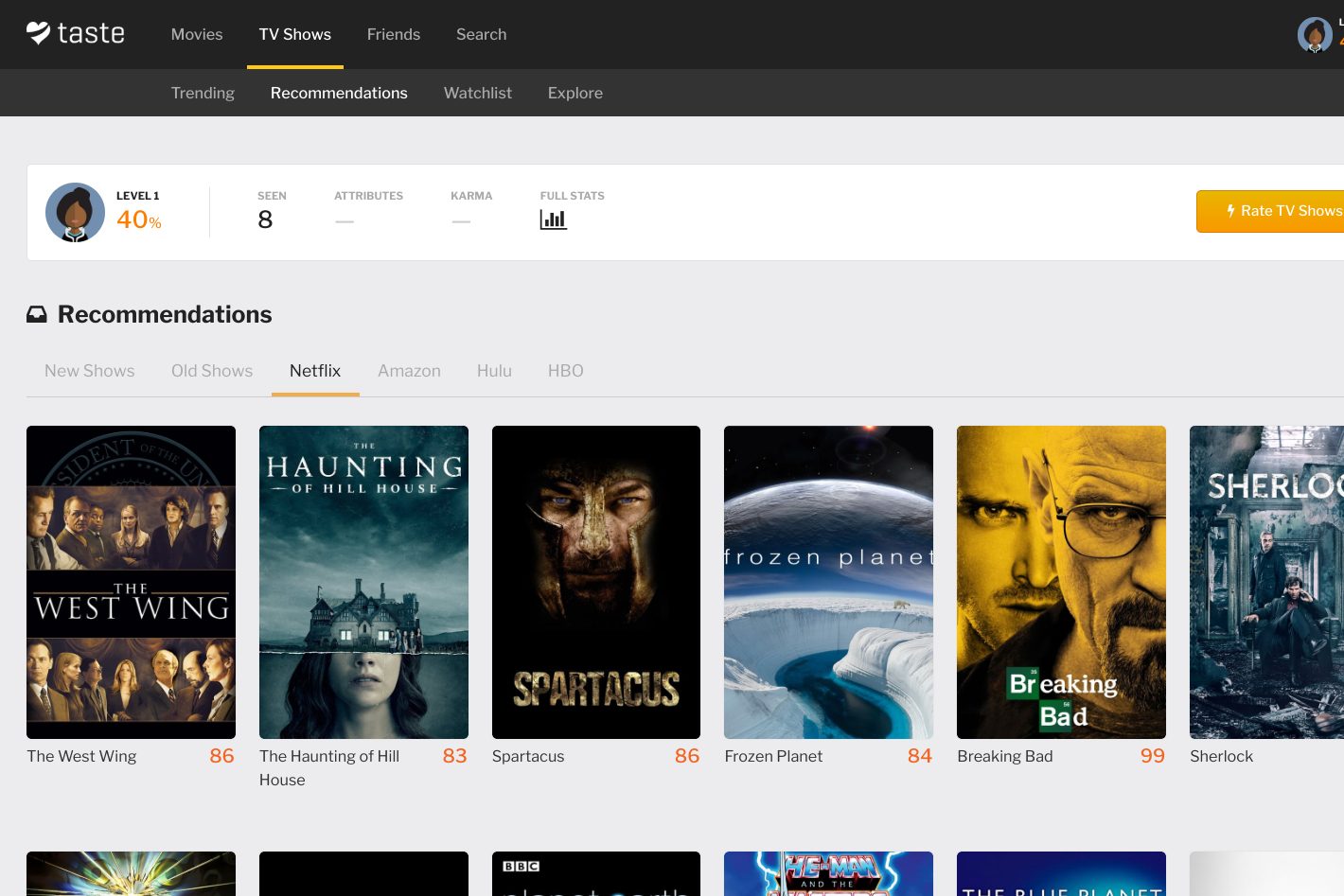
Taste is largely similar to Flixi. It has a rating system to gauge what you may like and offers personalized recommendations. However, Taste expands on that function with a host of additional features.
For starters, Taste’s engine, apart from its own algorithms, relies on other users’ inputs. By building a match percentage of you, the app determines how similar you are to another Taste user and suggests the shows or movies someone else liked to you as well. Taste also gives you more response options to rate content than just like and dislike buttons.
What’s more, Taste shows you what’s popular and one movie or show you have the highest chance of liking every day under the “Match of the Day” section.
4. Spotflik (Android, Web)
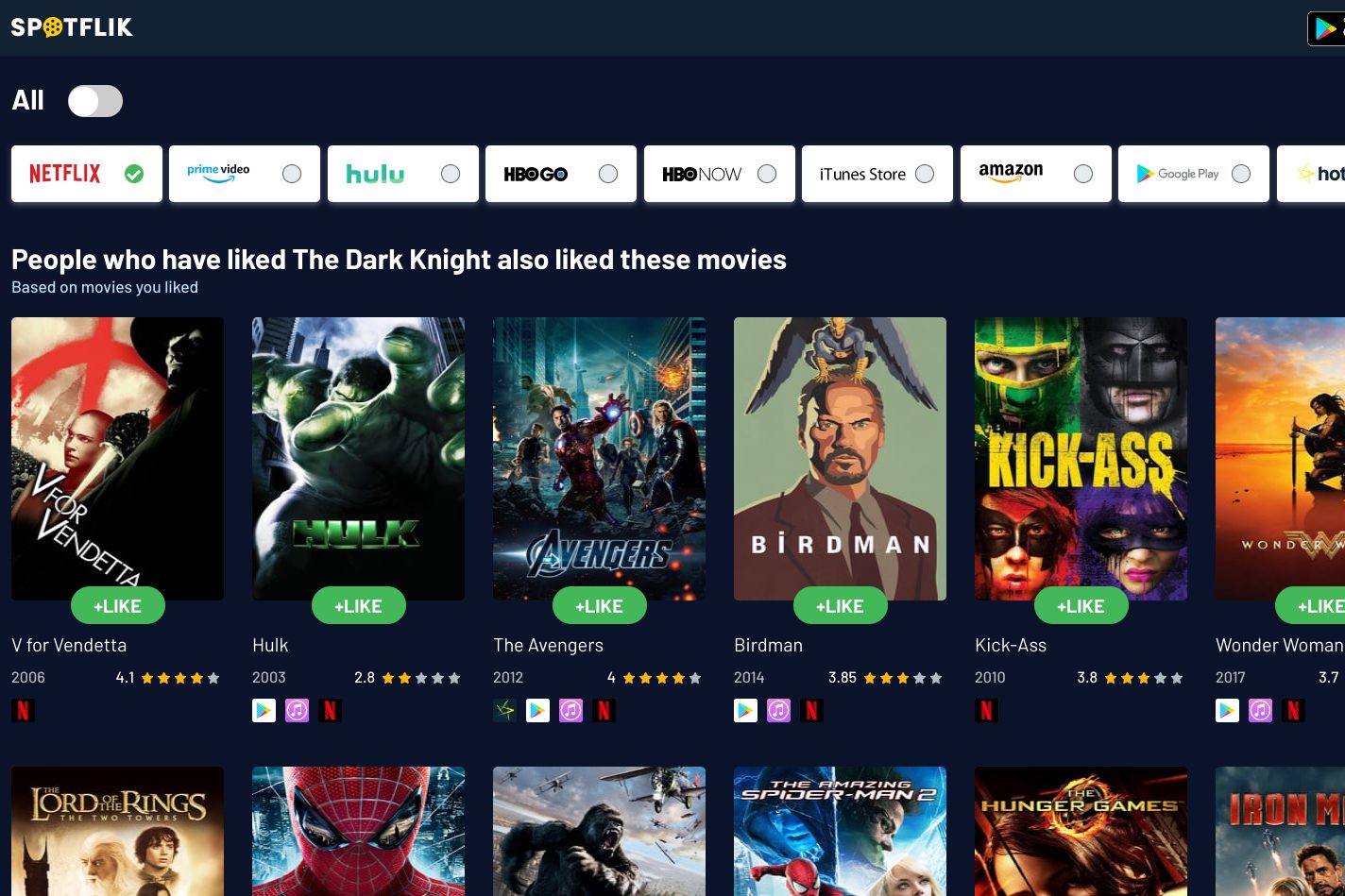
If you find the process on the rest of the services a little cumbersome, Spotflik might be the app for you.
On Spotflik, you have to select three of your favorite films and when you hit the Flik button, the app will pull just one movie it thinks you might enjoy. If you’ve already watched it and want another recommendation, you can simply tap the Flik button again. On top of that, you can check other trending categories on Spotflik’s website and participate in trivia games on the app.
5. Decider (Web)
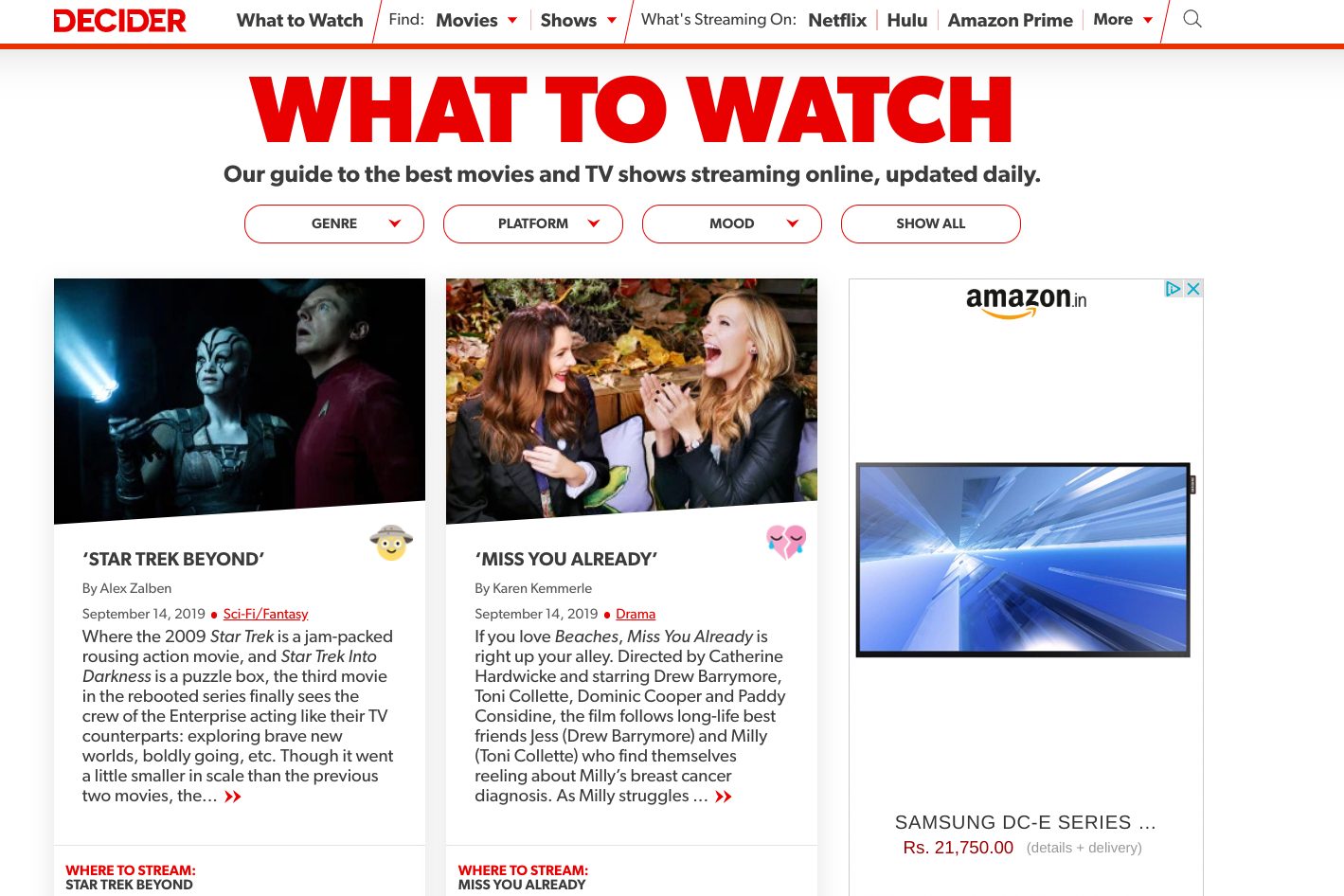
Decider is for those who found neither automated bots nor crowdsourced ratings accurate for their taste.
Entertainment site Decider’s discovery tool is curated by human experts. The guide is updated daily based on new releases and critic reviews.
Decider also embeds direct links. Therefore, when you click a recommendation, you will be straight away taken to its Netflix page. In addition, you have access to a handful of filters such as Genre, Platform, and Mood.
6. Browse Netflix’s Secret Categories (Web)
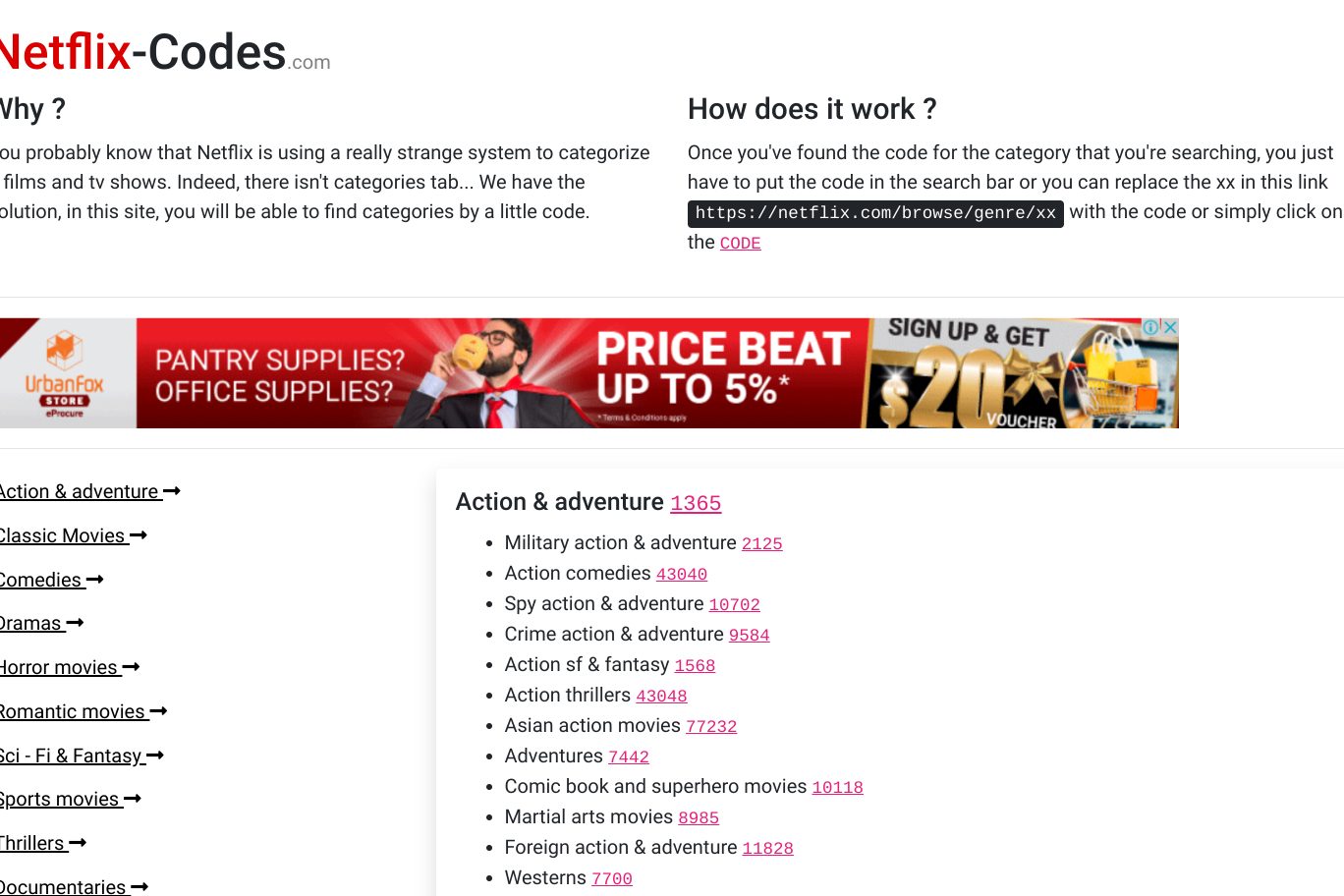
By default, Netflix only lets you browse a couple of categories. But deep down, the site organizes content through tens of niche sections like “Dramas based on real life” and “Movies based on children’s books.”
To unlock these secret categories, you need a web app called Netflix-Codes. It lists all the hidden Netflix genres. You can click the linked code beside each of them to quickly jump onto their Netflix pages. Alternatively, you can filter by a broader category through the side menu. Since these categories do technically exist on Netflix, you can also simply look them up via Netflix’s search tool.
Hopefully, Netflix will officially make these accessible in a future update.
Related Topics: Netflix | Hulu | Amazon Prime | More Streaming Services