
Dear Google,
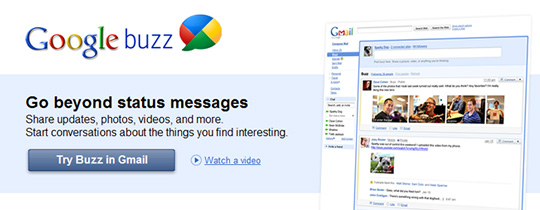 We have a quick question for you: Are you feeling okay? What’s been going on lately, Google? We’re starting to get concerned. Google just unveiled its attempt to build a social networking site called Google Buzz. That’s right, Google unveiled a social networking feature for email—and next week, Google will continue its retrograde back in time by unveiling a DVD player and then later, a Walk-man.
This has been done before, Google. We hate to tell you, but you’re kind of late to the whole social networking game. So far this week, Google has done some surprising, yet still inevitably uneventful, things that has made the media question the company’s strategy and sobriety. Google has the genius and resources to accomplish some outstanding feats in this industry, which is why today’s Gmail/Google Buzz announcement made everyone a little confused.
Dan Frommer, Deputy Editor of The Business Insider, was more unimpressed than confused. Although Frommer thinks the new Gmail feature is well designed, he feels it lacks imagination and effort. “But 400 million people are already happily using Facebook, and tens of millions (or hundreds of thousands) are using the other services,” says Frommer. “Why would they switch to this Google service when there are no compelling reasons to do so?”
Give us a compelling reason to care about your announcements, Google. Make a pair of shoes with your Google Maps Navigation tracking system in them, give us some details about the new Chrome Tablet Concept, or lower the price of the Nexus One—this is 2010, build a hover-craft—and give us some real news to chew on, the kind that won’t sheet our mouths with the taste of mediocrity.
Of course, Google could just be messing with us. The company execs could be lounging around the Mountain View headquarters plotting new ways to mess with the media, while their engineers are hard at work in the basement putting an Android operating system in anything and everything. And if so, then touché old friend, you got us good—but play time is over, now please go build our hover-craft.


