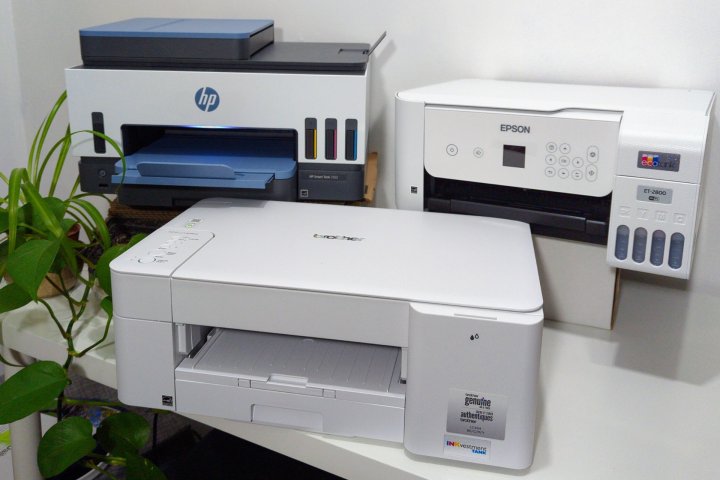
When you’re shopping for a printer, you want good value, reliability, and great quality at an acceptable price. Our list of the best printers available is a good place to start. If you know your budget is tight, you might want to check out some of the best low-cost printers on the market.
If you can’t find a good match on those lists or if you want to do your own shopping, read on to learn more about the types of printers available, common strengths and weaknesses, and the most important specs to check before making a purchase. After reading this guide, you’ll know what to look for in a durable, high-quality printer that serves your particular needs without spending too much.
Inkjet or laser?
There are many types of printers, but most use either inkjet or laser printing technology. In broad strokes, they both do the same thing, rolling paper through while placing small dots on the page to create documents and photo prints.
Inkjet printers move a printhead back and forth as paper rolls through, spraying tiny drops of ink on the page to form images and text. Moving the printhead takes time, so inkjets are often slower than laser printers.
Laser printers draw text and images on a drum to create an electrostatic charge that picks up toner. The wax-like toner is then fused onto the page. Since the laser can rapidly draw a whole line, laser printers are usually fast.
A laser printer is a good choice if you’re looking for the best possible speed. However, inkjets have an advantage in photo quality since liquid ink blends nicely to offer a wider range of colors than laser toner.
If you have enough space and can afford two printers, a low-cost inkjet printer can handle photos, color documents, and specialty purposes. In contrast, a high-quality monochrome laser printer takes care of your office needs.
Types of inkjet printers
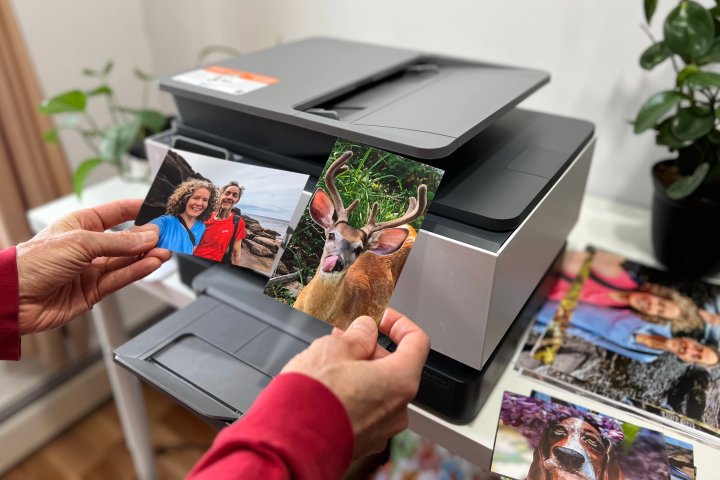
Inkjet printers come in two basic types: ink cartridge printers and ink tank printers. You’re probably familiar with cartridges since most inkjet printers use this kind of ink storage. Inkjet tank printers are becoming common and more popular.
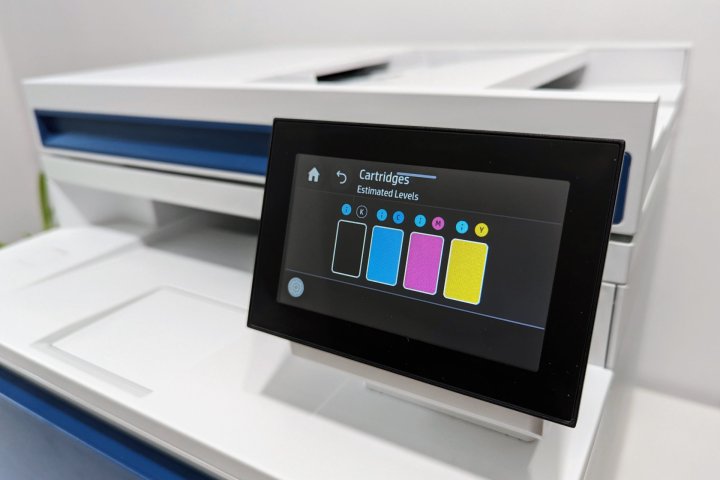
Cartridges are relatively expensive compared to the amount of ink they contain. In part, that’s due to the added cost of manufacturing and shipping. After a few hundred pages, it’s time to replace one or more cartridges. Most printers need cyan, magenta, and yellow cartridges to print in full color and a black cartridge to print monochrome documents.
By comparison, the ink for tank printers comes in large bottles sufficient to print thousands of pages. While cartridge-based printers can use 10 to 20 cents of ink per page, you’ll spend less than a penny per page for ink when using tank printers.
That doesn’t mean tank printers are always the right choice. Modern cartridge-based inkjet printers often have a lower upfront cost. Tank printers cost more to manufacture because additional hardware is needed to supply ink to the printheads. It could take a year or more to recover the extra expense of buying an inkjet tank.
While all inkjet printers can produce good photo prints, some inkjet printers are optimized to deliver excellent picture quality. The best photo printers use more ink colors to offer greater color fidelity and a wider dynamic range of tones and shades. The upfront cost is higher, but it might be worth the expense. If you get an inkjet tank printer designed for photos, the ink cost will still be low.
Types of laser printers

Monochrome laser printers are still a good bet for office settings if you only need to print in black and white. For the most part, monochrome laser printers can be purchased at affordable prices, offer good print speed, and output documents at a lower cost per page than cartridge-based inkjet printers.
Color laser printers bridge the gap, offering faster prints but at a higher cost per page for color documents than most inkjet printers. However, if you print photos on a color laser, you’ll probably notice a graininess and lower color accuracy than you’d get with an inkjet printer.
Laser printers are usually designed for the office and have a more durable build quality. Also, toner cartridges are large enough to print thousands of pages before they need to be replaced, lasting much longer than inkjet cartridges. That’s important if you print frequently or in high volume.
Multifunction printers
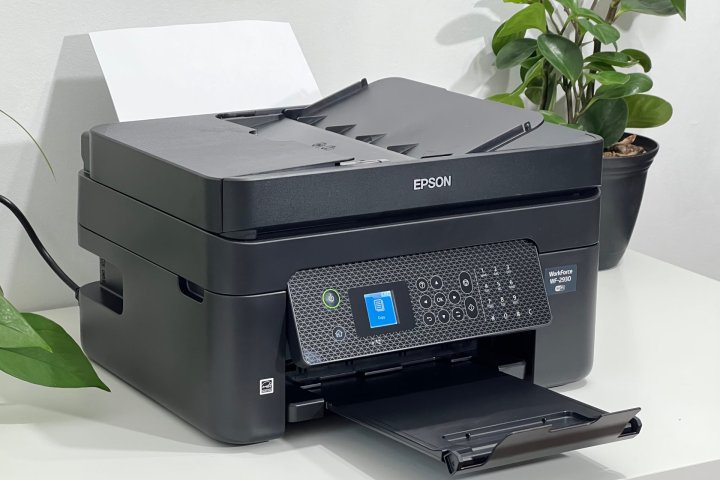
In an office, documents flow in and out, and there’s often a need to digitize a paper document, make a copy, or send a fax. Multifunction printers can print, scan, copy, and sometimes fax, which is why all-in-one inkjet or laser printers are so popular.
For home use, a multifunction unit makes a lot of sense. It’s cheaper than buying both a printer and a standalone scanner and saves space on your desk or table. Since all-in-ones only cost a little more than a standard printer, we highly recommend all-in-ones for your home and your office.
All-in-one printers make it easy to scan documents directly to your computer. They’re more likely to be used in the office, but you might need a scanner to digitize old photos or make copies of documents for taxes. If you own an all-in-one, you’ll never need to drive to an office store or the library to make a copy.
Speed, resolution, and supply cost
The best printer brands use a standardized set of tests developed and licensed by the International Organization for Standardization (ISO). The ISO test protocols provide a level playing field — all the claims and ratings are developed using the same set of document test procedures. Important specs include:
PPM stands for pages per minute, measuring how fast a printer can output documents. Print speed is different for black and white versus color documents, so it’s common for many printers to provide two sets of numbers. If you print often or occasionally at high volume, compare the speeds of the printers you’re most interested in. Laser printers often reach 20 to 35 ppm, while inkjets are usually between 5 and 15 ppm.
DPI is an acronym for dots per inch, the printer’s resolution. For example, most all-in-one printers can print, scan, and copy at 300 dpi. Resolution often reaches 600 dpi, and some printers support 1200 dpi.
Duty cycle estimates how many pages per month a printer can reasonably be expected to print. It’s an important number for a busy office with heavy print use. Duty cycles are usually measured in the thousands and it’s unlikely you would print that much at home. If you do, double-check the duty cycle before deciding which printer to buy.
CPP stands for cost per page, an important number to check to make sure a printer has good long-term value. A low-cost printer that seems like a bargain can cost more than a more expensive model if you pay a high price to replenish ink or toner cartridges.
Use these specs as a basis for comparing one device with another, but remember that they aren’t all-encompassing factors, especially if you’re looking for something specific.
Connectivity
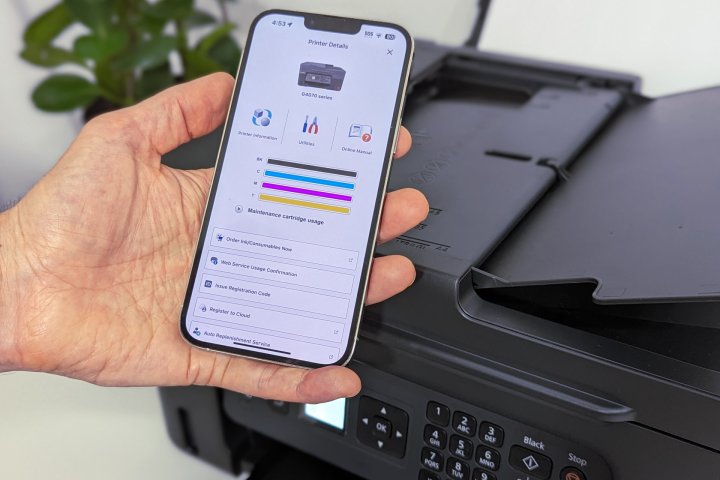
Nearly every modern printer offers more than one way to connect to a computer and phone. Basic Wi-Fi printing is standard, but other types of connections may be more convenient if your printer is near a desktop computer.
USB: USB-B ports are common on printers, and a direct connection is a good backup if you experience Wi-Fi problems. Some printers include a USB-A port so you can scan to and print from a USB thumb drive.
Ethernet: Business printers may also be equipped with Ethernet ports for a fast, wired connection to your local network.
Wi-Fi: All home printers support Wi-Fi, and mobile apps often make it quick and easy to get a new printer connected. Some printers require the older 2.4GHz Wi-Fi, but even new routers are compatible. Dual-band printers are faster and easier to set up since they can use 2.4 and 5GHz.
Wi-Fi Direct: Wi-Fi Direct is a peer-to-peer connection that doesn’t require a local Wi-Fi network. Instead, it establishes a secure signal directly between your computer or phone and the printer.
NFC: Near-Field Communication (NFC) is also available on some models, letting you connect your printer to a smartphone or tablet by simply touching the device to a specified area on your printer.
Cloud: Many printers, particularly all-in-ones, support printing from and scanning to the cloud. That means you can access your printer from the internet and scan documents to the cloud for easy access from anywhere. Cloud-connected printers often support Google Drive, OneDrive, Dropbox, and others.
SD cards: Some printers may also have slots for SD cards, which you can then navigate through using the printer’s menu and choose select files to print. This may be especially useful for photographers who can transfer SD cards directly from cameras to printers.
Ink and toner cost
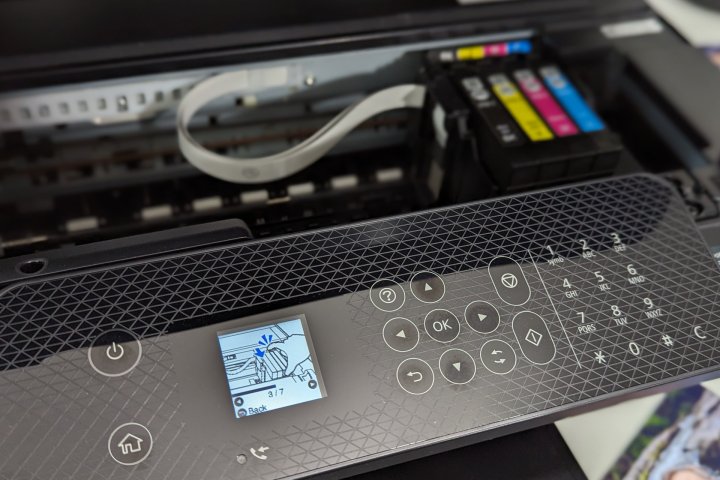
Some printers come with a trial subscription that provides months of ink at no extra cost. If you sign up, you’ll need to pay once the free trial ends.
Subscription plans for ink and toner can save you money and help keep your printer supplied and ready to use at a moment’s notice. Every major printer brand offers a subscription service. HP even has a subscription that includes the printer.
Inkjet tank printers often cost less than a tenth of a cent per document, so there’s no reason for a subscription. However, you’ll often pay 10 cents per page or more in ink for cartridge-based inkjet printers and toner for color laser printers. By the end of a year, that can add up to a significant and unexpected expense.
If you print in high volume and choose a printer with limited supplies, a subscription might be worth considering. Automatic ink or toner shipments arrive in advance of your need and are usually less expensive than buying cartridges individually. Subscriptions aren’t always a good deal, though. It depends on how much ink you use and how well that matches the supply tiers of each service.
An alternative is to try third-party supplies. That’s risky because non-standard cartridges might not work, and even if they do, manufacturers warn that they could damage your printer and hurt print quality.
Duplex
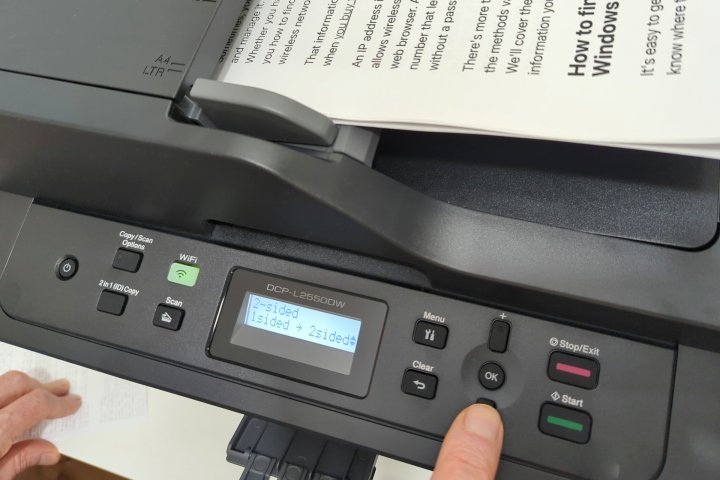
One feature that’s becoming very common and that we consider a big plus is automatic duplexing. Duplex refers to printing or scanning both sides of the page without manually flipping the page over.
Most automatic duplex printers print on one side of the paper, then pull the sheet back in and pass it around another roller to print the second side. However, some business printers handle duplex printing in a single pass, speeding up the process considerably.
Many all-in-one devices with an automatic document feeder (ADF) for the scanner also have duplexing, allowing you to scan both sides of the page as the document feeds through the ADF. Printers that have a flatbed scanner instead of ADF might claim to be duplex, but you must open the lid and manually turn the page to scan the other side.
Duplex scanning is a major convenience if you frequently scan two-sided pages. Duplex printing can cut your paper use in half. Both are important for a busy office and can be useful at home. Some printers, like the Brother DCPL2550DW, let you copy single-sided (simplex) documents and output them as duplex.
Paper handling
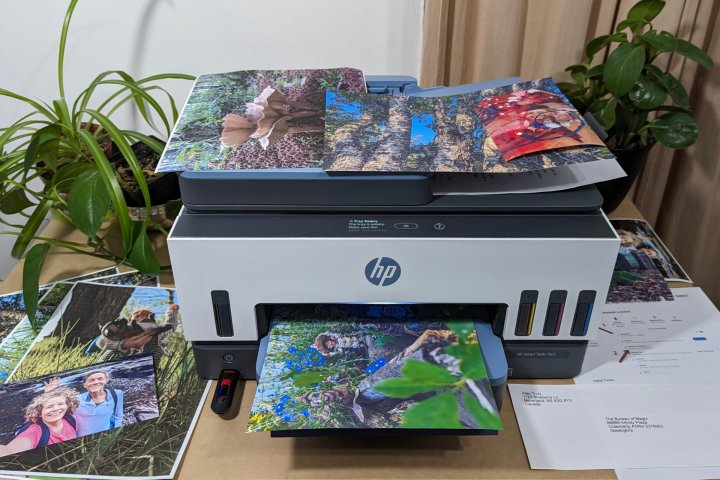
Most printers can handle a stack of 8.5 by 11 paper, but what about legal envelopes, index cards, and glossy cardstock? Thankfully, some printers now include dedicated feed trays for printing on specialty papers with unusual sizes or different weights, making it easier to deal with those situations when they crop up. Consider the size of the input tray here: Smaller trays will require you to add paper all the time, while a 250-page hopper can make it a once-a-month affair.
Choosing the right printer
It isn’t easy to choose the right printer, but our guide to the best printers lists inkjet and laser printers that are well-rated and dependable for daily use. If you want good value but don’t need a high-volume printer, check out our list of the best budget printers.
Even if you don’t find what you want on those lists, it will give you an idea of what’s available and help you establish a reasonable price range. Combined with the information above, you’ve got everything you need to find the perfect printer for your particular needs.
Editors' Recommendations
- The best tablets in 2024: top 11 tablets you can buy now
- How to choose the best RAM for your PC in 2024
- Best 14-inch laptops for 2024: tested and reviewed
- Best color laser printers for 2024: tested and reviewed
- Laptop buying guide: what to look for in 2024