
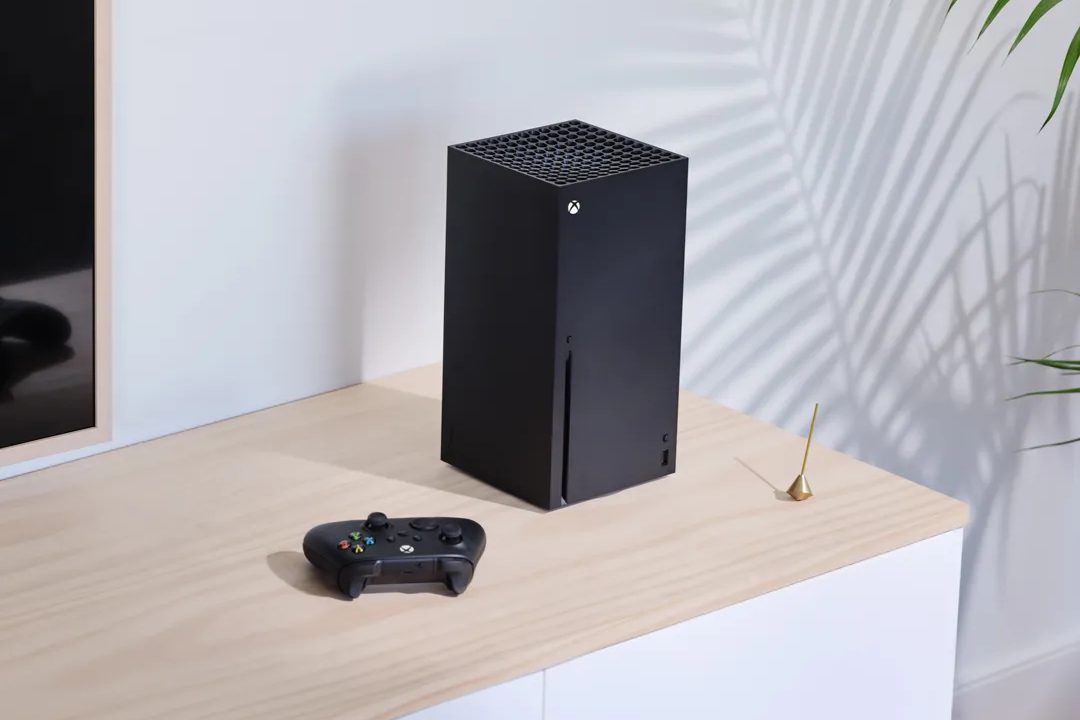
With each new generation of consoles comes a mixture of new and exciting features — but also the loss of smaller conveniences. One of the biggest movements still ongoing is the growth of the digital games market. More and more games are being sold digitally every year, which is great for a lot of reasons. It’s convenient, you don’t need to go out and make a trip to buy a game, you can’t lose or damage it, and it doesn’t take up any physical space.
One of the main drawbacks with digital games has always been the fear of not being able to share your games, but the Xbox Series X has a solution. While it isn't absolutely perfect, here's everything you need to know about sharing your digital library through gameshare.
Further reading
How gameshare works
Gamesharing almost feels like an exploit when you break it down, but as long as you know and trust the person you’re sharing with, it’s perfectly safe. When you purchase and download a game on the Series X, any account on that console you purchased it on can play it. That’s because, by default, the console you created your account on is considered the “home console.” But the account who actually made the purchase can also access everything they’ve purchased as well, regardless of what console they’re on. That’s how you’re able to take your digital library from one console to the next just by logging into your existing account.
So, if you were to make someone else’s Series X your home console, and theirs yours, then anything either of you buy digitally could be accessed by the other. As long as you are logged in on your account back on your own console, you’ll also still have access to your library. Just know that you are only allowed to have one Xbox, Series X or otherwise, set as your home console at a time. You can also only change which console is your home console five times per year, so you aren’t able to swap who you’re sharing with too often. Other than that, the only real limitation to gamesharing is the fact that you can’t download anyone else’s physical games — you’ll have to share those the old-fashioned way. You can even both play the same title at the same time if you want.

How to set up gameshare
Gameshare on the Xbox Series X allows you and a friend or family member to share any and all digital games you have purchased on your console. This includes titles you have access to via Game Pass and Game Pass Ultimate. Just make sure you trust whoever you’re going to be gamesharing with because you will need to put your account on their console in order to set it up. That means, even after you log back in on your own console, they could still access your account via their Xbox.
Step 1: The first step is to either sign in on the Series X console you want to share with or have the owner of that console sign in on your console. To add your account on another Xbox, open the guide and select Profile and System > Add new. You can then enter your existing account details.
Step 2: On the second console, open the guide by pressing the menu button and go to Profile & system > Settings > General > Personalization > My home Xbox > Make this my home Xbox. If you want the sharing to work both ways, so your friend or family member can access all of your games and you access all of theirs, then have them repeat the same process of making your Xbox their home Xbox.
And that’s it — you and your friend or family member can now download and play any game you have or will purchase digitally moving forward. You won’t lose access to anything, but because you have set someone else’s Xbox as your home console, you will need to be logged in to your account to play. This is a fantastic way to save money, share your favorite games with friends and family, or make it easier to access your games if you have multiple consoles.


