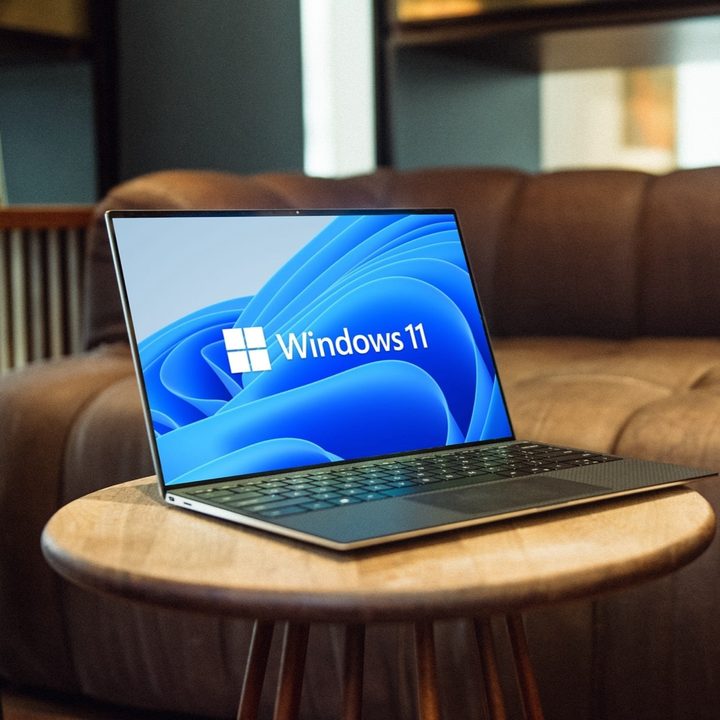
Microsoft just taught us another lesson on why it’s sometimes a good idea not to get every update as soon as it’s made available. The latest non-security Windows preview update proved to have such dire consequences that Microsoft had to pull it, making it so that more people wouldn’t download it anymore. This happened after reports came flooding in of various users being stuck in boot loops and experiencing problems with starting up their PCs.
The update in question is the KB5039302 build, released on June 26 and available on Windows 11 22H2 and 23H2. It’s worth noting that being a preview update, this patch was a pre-release version of Windows, so Microsoft’s blunder won’t have affected as wide a group of users as it would if this were the release version. On the other hand, the issue seems pretty big.
According to reports from sources like The Register, those who downloaded the patch found themselves stuck in boot loops, having no choice but to resort to recovery options to roll back the update and get their PCs back to a stable state. This isn’t the first instance of issues in a Windows Insider build this month; just recently, users noticed that Windows Cross Device Service may be eating up to 20% of their CPU resources while running in the background. That bug is yet to be fixed.
In the case of the June 26 patch, Microsoft is still unsure as to what is causing it, but it appears to be related to virtualization. When announcing that the update was being pulled, Microsoft said: “This issue is more likely to affect devices utilizing virtual machines tools and nested virtualization features, such as CloudPC, DevBox, Azure Virtual Desktop. We are investigating to determine the precise conditions under which this issue can trigger.” The company also added that those who are running Windows Home are less likely to experience issues, as virtualization is not used nearly as often on personal PCs.
While we can’t test the update for obvious reasons, it appears to have had some interesting things to bring to the table, such as an update to compression features in the File Explorer or the return of the Show Desktop button on the taskbar, by default. Microsoft also addressed minor issues, such as distorted videos in the Snipping Tool or problems with the “Safely Remove Hardware” option.
There are great Windows Updates, and those that are less great — this one falls under the second category for now. With the controversial Windows Recall on the horizon, let’s hope that future updates go better than this one.