It started off so innocently. It was 4:30; I was testing a microwave in the office kitchen. I opened the fridge to grab my cookie dough, and took a can of berry-flavored sparkling water. I wasn’t prepared for how delicious it was. Soon, every day at around 4:30, I was heading to the fridge for a blast of berry goodness. But the cans are a hot commodity, and we quickly run out. If only there was a way to keep track of the cans, so I knew whether to expect disappointment when I open the fridge to find only the lemon version.
Believe it or not, Bud Light has a fridge that comes pretty close. It just announced smart-home beer fridge, the Bud-E Fridge. The Wi-Fi-connected refrigerator shows you exactly how many bottles or cans you have left.
I got a notification whenever someone snagged a beer from the fridge, and I busted more than one co-worker this way.
Developed with Buzz Connect and Linq IQ, the Bud-E holds up to 78 beers, either with a mix of bottles and cans or all cans. The number of beers you have shows up on the fridge’s LED display on the front of the fridge. The Bud-E is roughly the size of a mini-fridge and is emblazoned with the words Bud Light. Be warned: You can’t stick it in the garage, because it’s not made to work at temperatures below 55 degrees Fahrenheit.
Even though the user guide says it’s for the USA, it describes the devices that help the fridge detect the number of beers as “colour rollers.” Why is that “u” there? Henceforth, I’ll just refer to them as rollers. They’re magnetic, and the shelves slant down, so when you reach for a Bud, the roller behind it slides forward until it reaches the next bottle or the shelving prongs. The whole system makes loading the fridge a two-handed operation, because you have to hold back the roller and insert the bottle or can.
Setup was fairly easy. I put in the rollers, plugged in the fridge, and downloaded the app. Apparently to even operate a Bud Light fridge, you must be 21; the app immediately asks your date of birth. Then you activate the Wi-Fi sensor, which pairs with your phone via a strobe-like light. Then you’re ready to start stocking up.
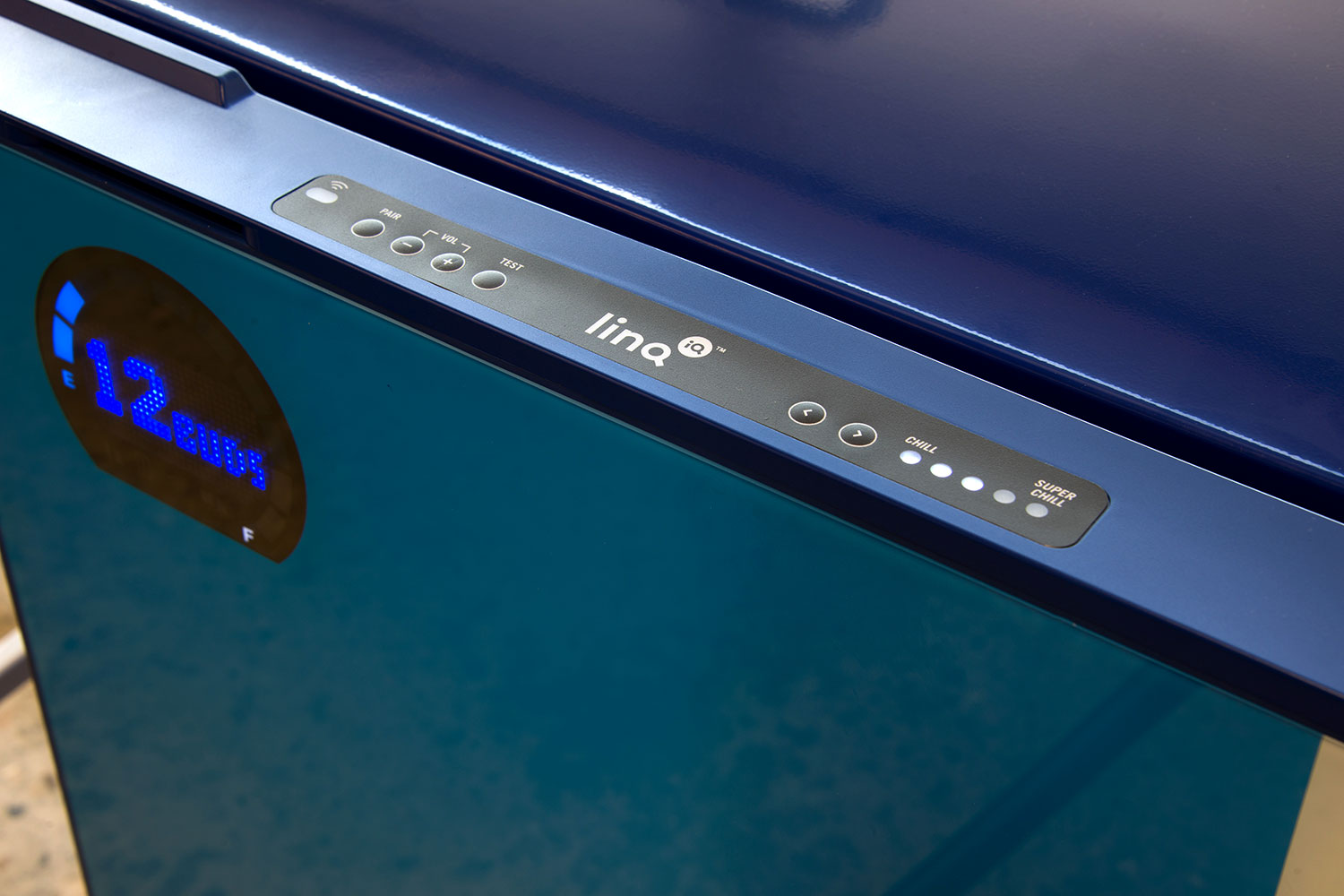
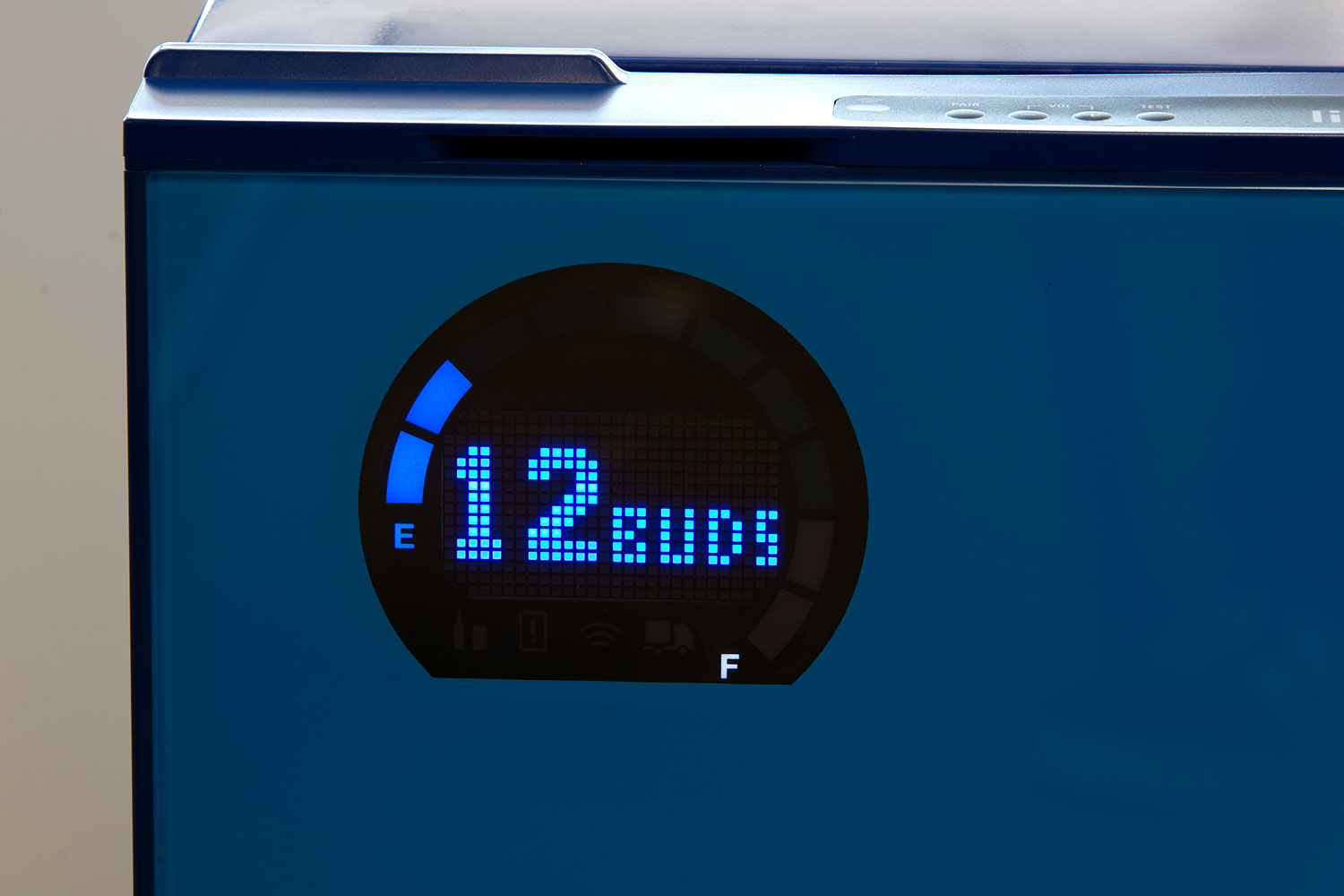
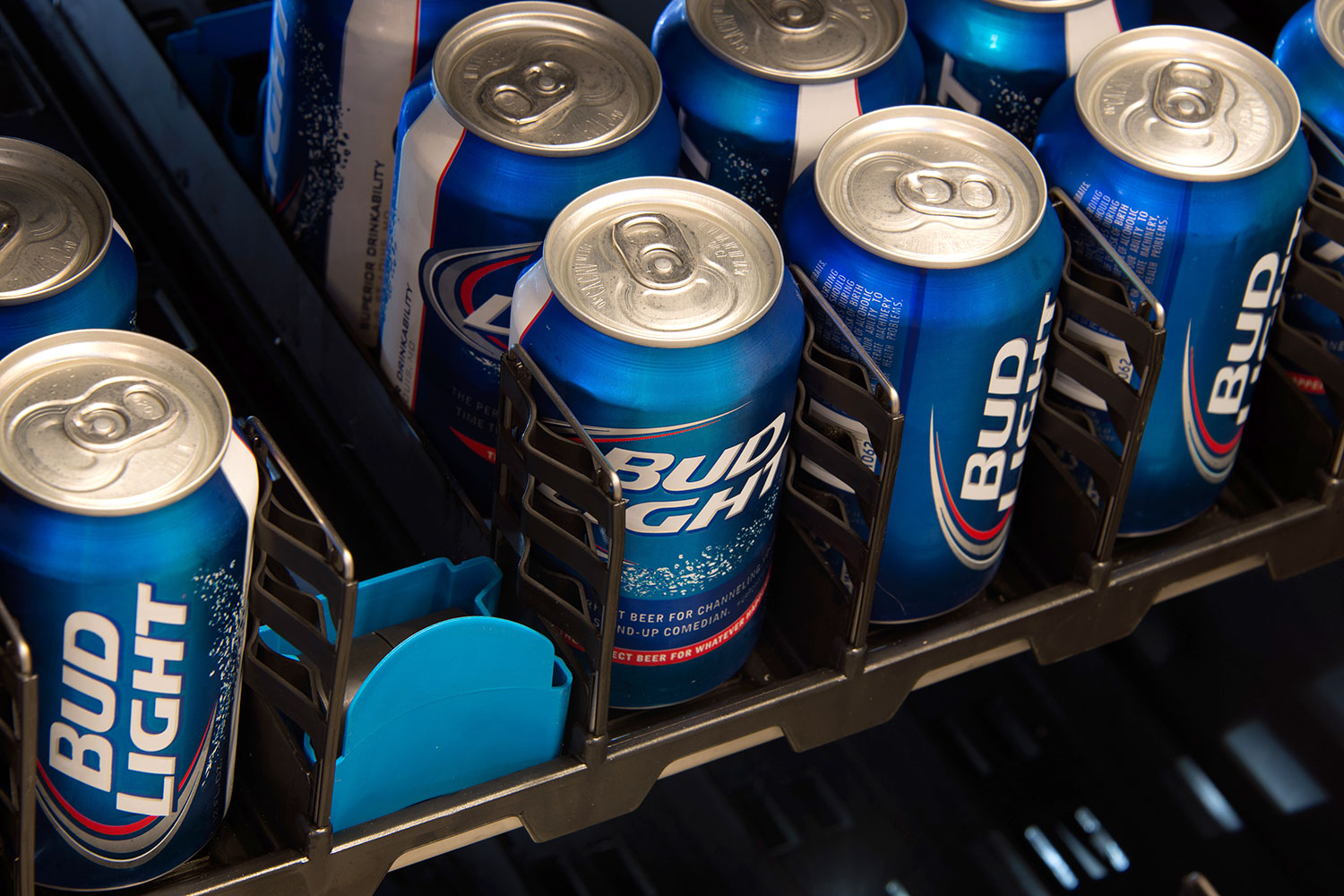
The counter worked flawlessly with cans. I’d take a few out and shut the door, and the the display would light up seconds later with the correct number of beverages. There were occasional misfires when the roller would stay in place, though. Bud Light obviously only wants you to stock your fridge with its products, but my soda water can was counted along with the rest.
When it came to bottles, things were a little more mixed when using a non-sanctioned beer. Ninkasi is microbrewery from Eugene, Oregon, whose 12-ounce bottles are a little squatter than traditional Bud Lights. It sometimes registered when in the midst of a bunch of cans but not when it was at the front of the line. Something similar happened with a bottle holding just over a pint of beer, though Bud Light says the fridge is only meant to work with 12-ounce bottles and cans.
Temp-wise, the fridge has five settings between “chill” and “super chill.” That’s Bud-speak for between 41 degrees Fahrenheit and 27 degrees Fahrenheit. You’ll need to change the temperature on the fridge itself, though, as there’s no way to do it from the app.
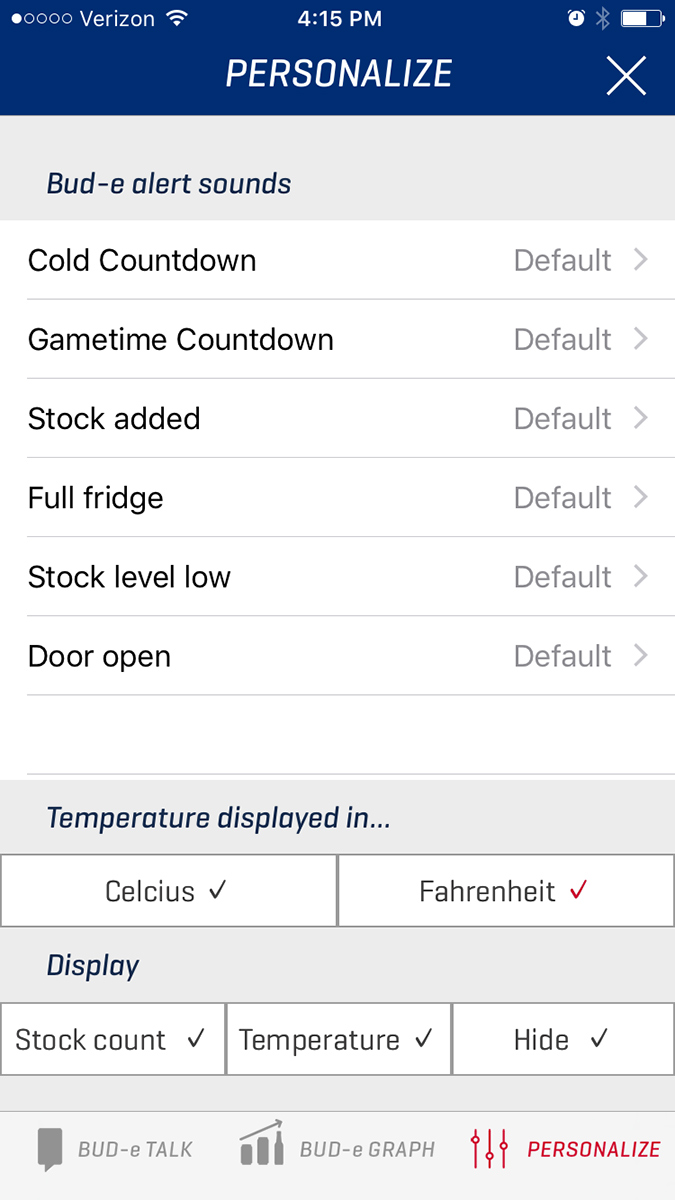
The app has some great features but could be a little glitchy. For example, during setup, you can select which NFL teams to follow. The fridge will then remind you about upcoming games and remind you that your stock is low, bro. It will also make celebration noises when your team scores a touchdown. Now, I could give a fig about football, but out of loyalty to my Seattle friends, I decided to follow the Seahawks. The app did not want me to do this. I would click on it, and it would select the 49ers above every time. I could then select the Seahawks, but it would later unselect it. Conspiracy or bug? You decide.
I was also supposed to be able to change some of the sounds the fridge made, like the noise when the door opened or when I added a beer. However, no matter how many times I clicked alternatives, the setting stayed stubbornly on the default. This was a shame, because the shrieking sound when the door stays open longer than a minute scares the bejesus out of me each time it went off.
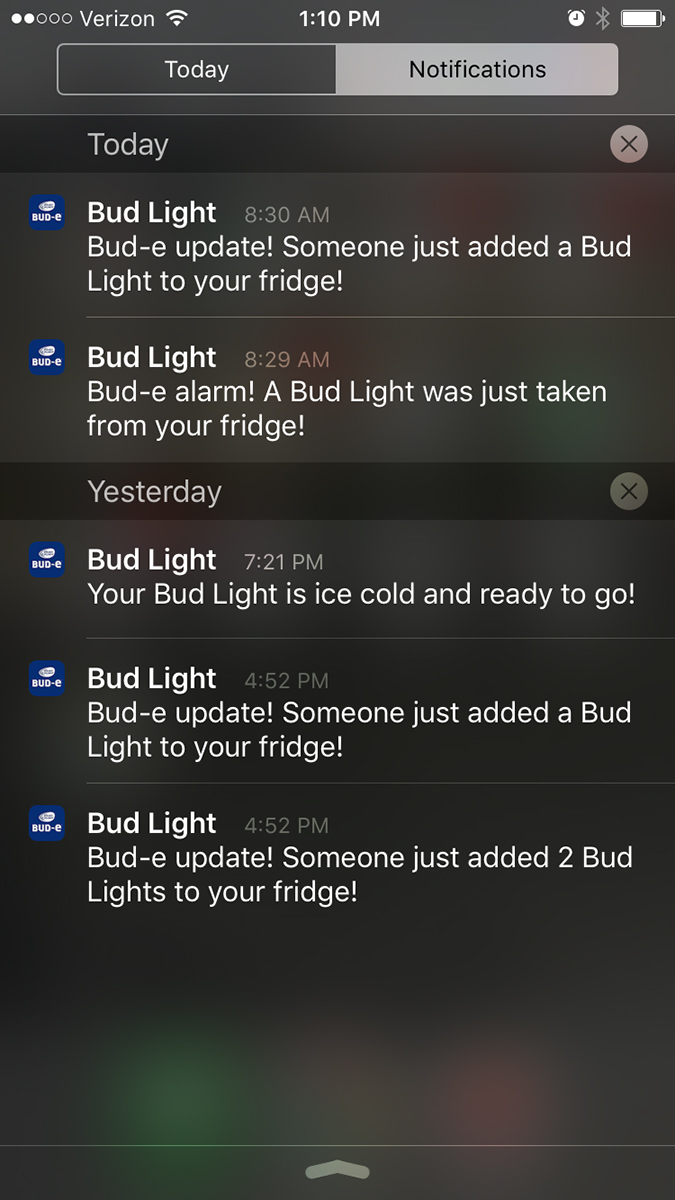
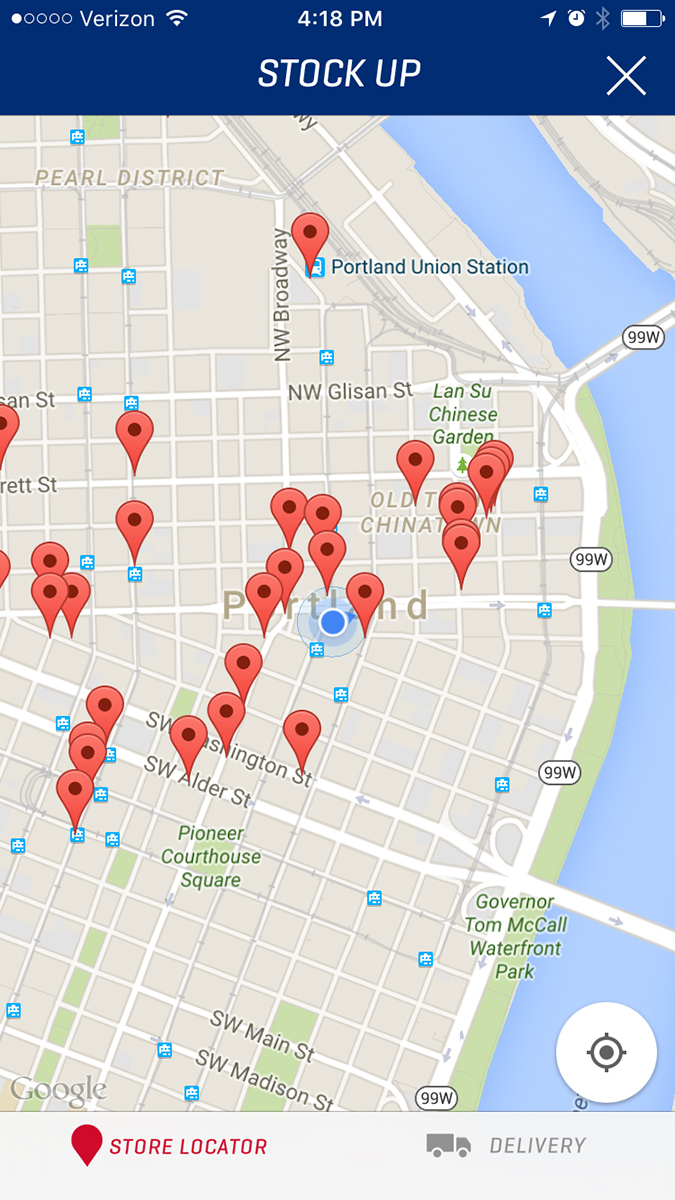
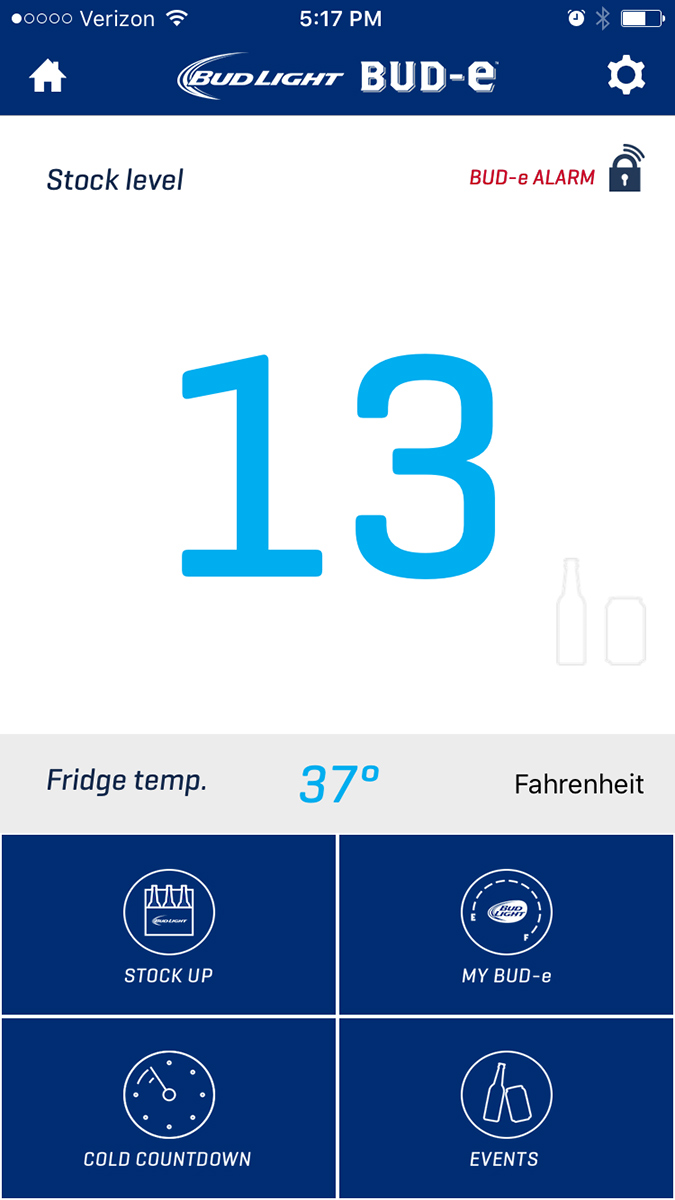

In case you don’t know where your local beer store is, a location-based map shows you all the places you can buy Bud Light. San Francisco, L.A., and San Diego also have beer-delivery options via the app. The cold countdown feature — which sent an alert to my phone when my warm beers had cooled down to a chiller temperature — was neat, but it was the e-Alarm that captured my heart. Once it was engaged, I got a notification whenever someone snagged a beer from the fridge. I busted more than one co-worker this way. There’s even a “talk” option, so I could scold them for drinking in the mid-morning. However, there was a bit of delay between sending and receiving the voice message, so the thief could easily get away in the interim.
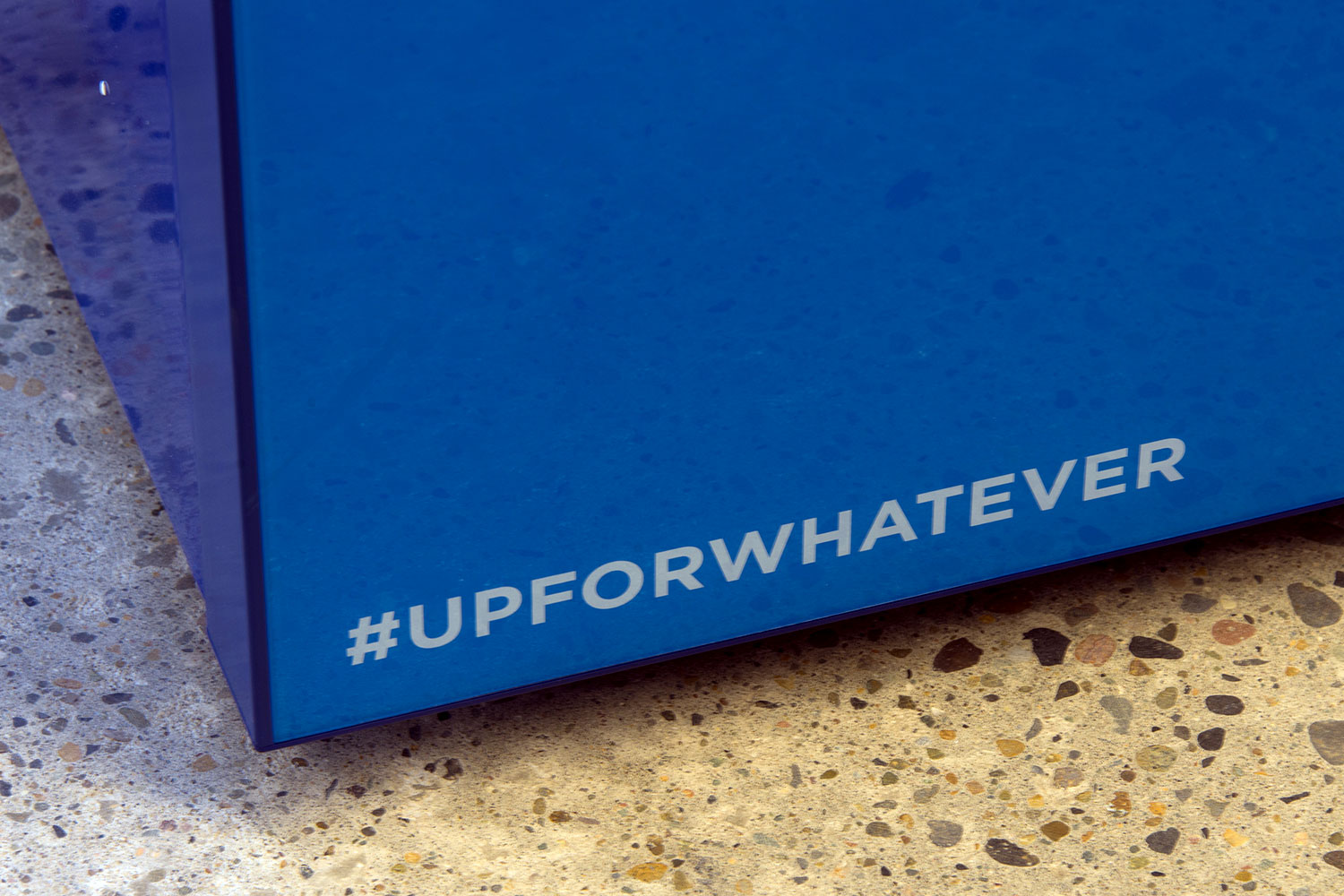
Starting today, a limited number of fridges will be available for purchase at BudLight.com. And maybe that will only appeal to big fans of Bud. Because while some may say it’s not what’s outside but what’s inside that counts, just remember that though you can put whatever kind of beer you want in the smart fridge, it will always say Bud Light on the front.
Highs:
- Novel idea
- You always know when someone’s taking your beer
- Fun features
Lows:
- Glitchy app
- Imperfect mechanism for keeping tags on beer
- Can’t go in the garage
- Bud Light branding splashed on the front