It’s always a good idea to get some kind of case or cover for your tablet, and the right accessories can open up a whole new world of functionality. The Surface 2 is not our favorite tablet, thanks in no small part to the shortcomings of Windows 8, but it is well-designed, and there are plenty of good extras to help you get more from it. To help get you started with a new Surface, we picked some of our favorite cases, keyboards, and accessories available now (and soon).
Type Cover 2 ($130)

Microsoft’s keyboard cover is undeniably expensive, but it offers the best typing experience you are going to get on the Surface 2. The cheaper Touch Cover feels wrong because it doesn’t have proper clicking keys. You can get this cover in Charcoal, Purple, Cyan, or Magenta. The main improvement over previous releases is the new backlighting which makes it easy to use, even when it’s dark. It’s still satisfying to snap this into place, and it will protect the screen when you sling the Surface 2 into your bag at the end of the day.
Incipio Capture Case ($42)
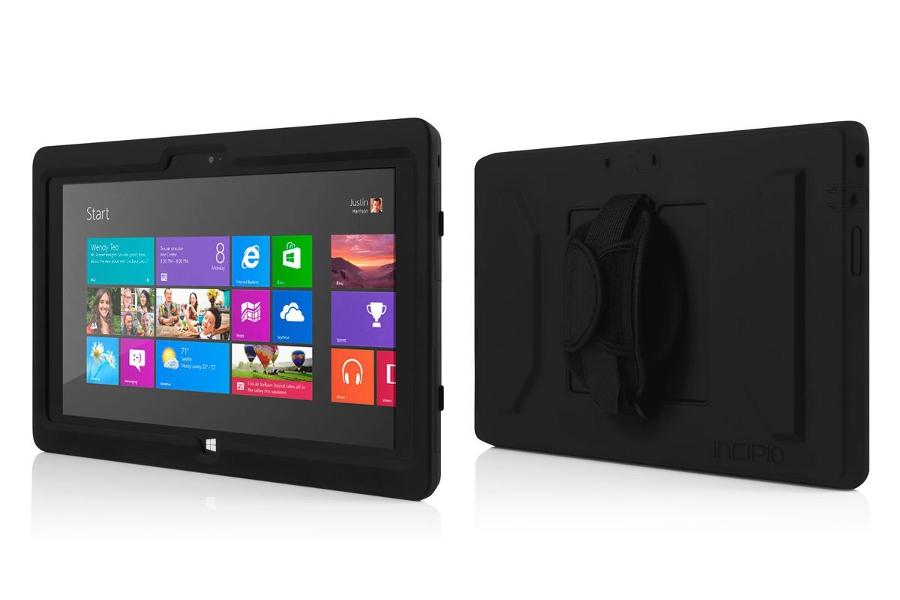
If you’ve been waiting for a versatile and hard-wearing case for your Surface 2 then Incipio may have just delivered what you’re after. You’ve got shock absorbing silicone with Incipio’s tough Plextonium casing. It completely covers the tablet, so it’s protected from bumps or scratches, but still fully usable. There’s also a useful neoprene strap attachment that can be discarded when you don’t need it.
Snugg PU Leather Wallet Case ($25)
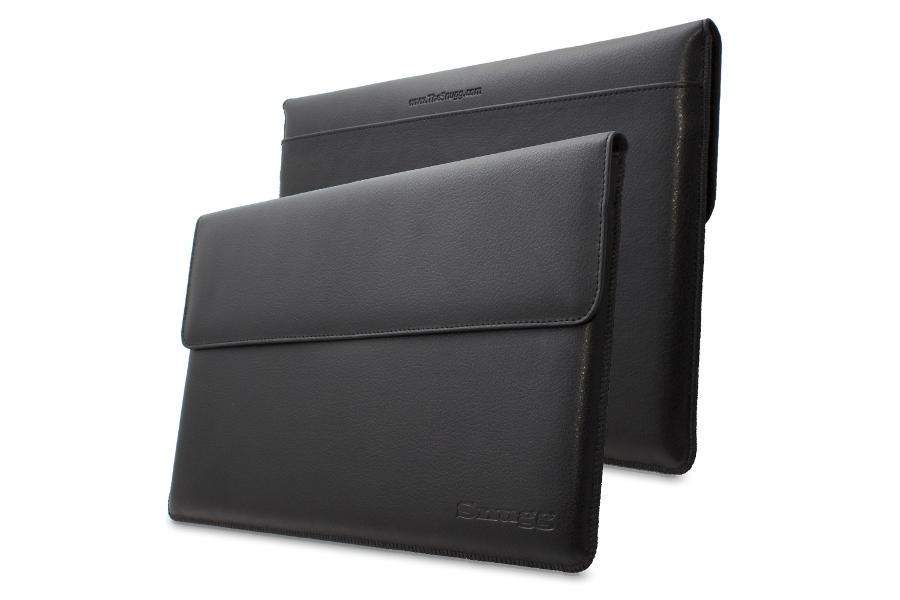
You can achieve the classy business look with this fake leather sleeve from Snugg. It comes in brown or black and opens to reveal a soft nubuck interior. The flap itself folds over and secures with a magnet. Open it and you’ll also find a wee pocket for business cards, or other small items. It’s a sleek option. The polyurethane material isn’t as nice as real leather, but it helps to keep the price down.
Knomo Balham Surface Envelope ($55)
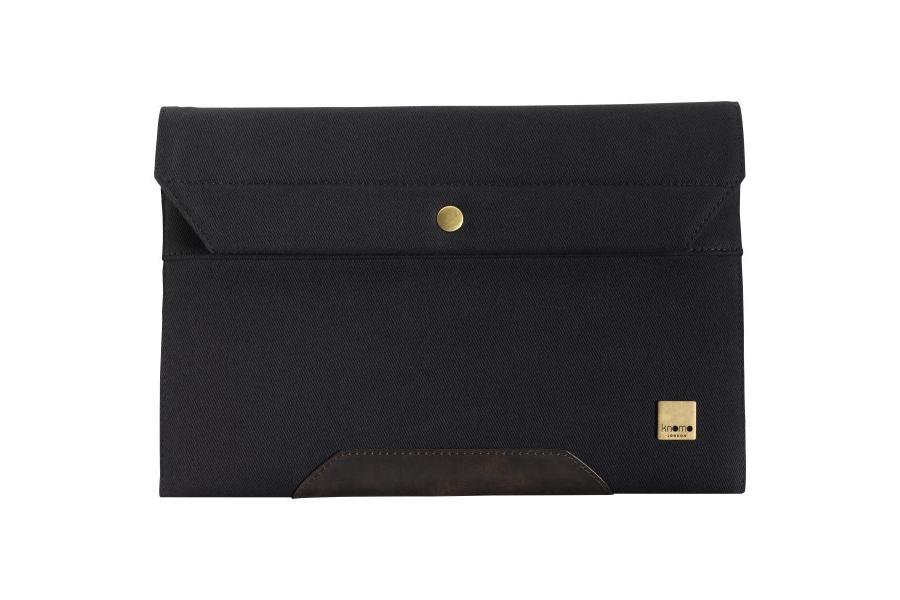
London-based designer Knomo crafts sleeves and bags for all sorts of electronics. The idea is to create attractive and intelligent storage solutions and the Balham Envelope certainly fits the bill. It’s made from tough material with a leather edging. There’s a silky smooth pocket for your Surface 2 and a front pocket for other accessories. The closure is a classic metal snap fastener. This is a stylish and understated option.
MoKo Rotary Case ($25)
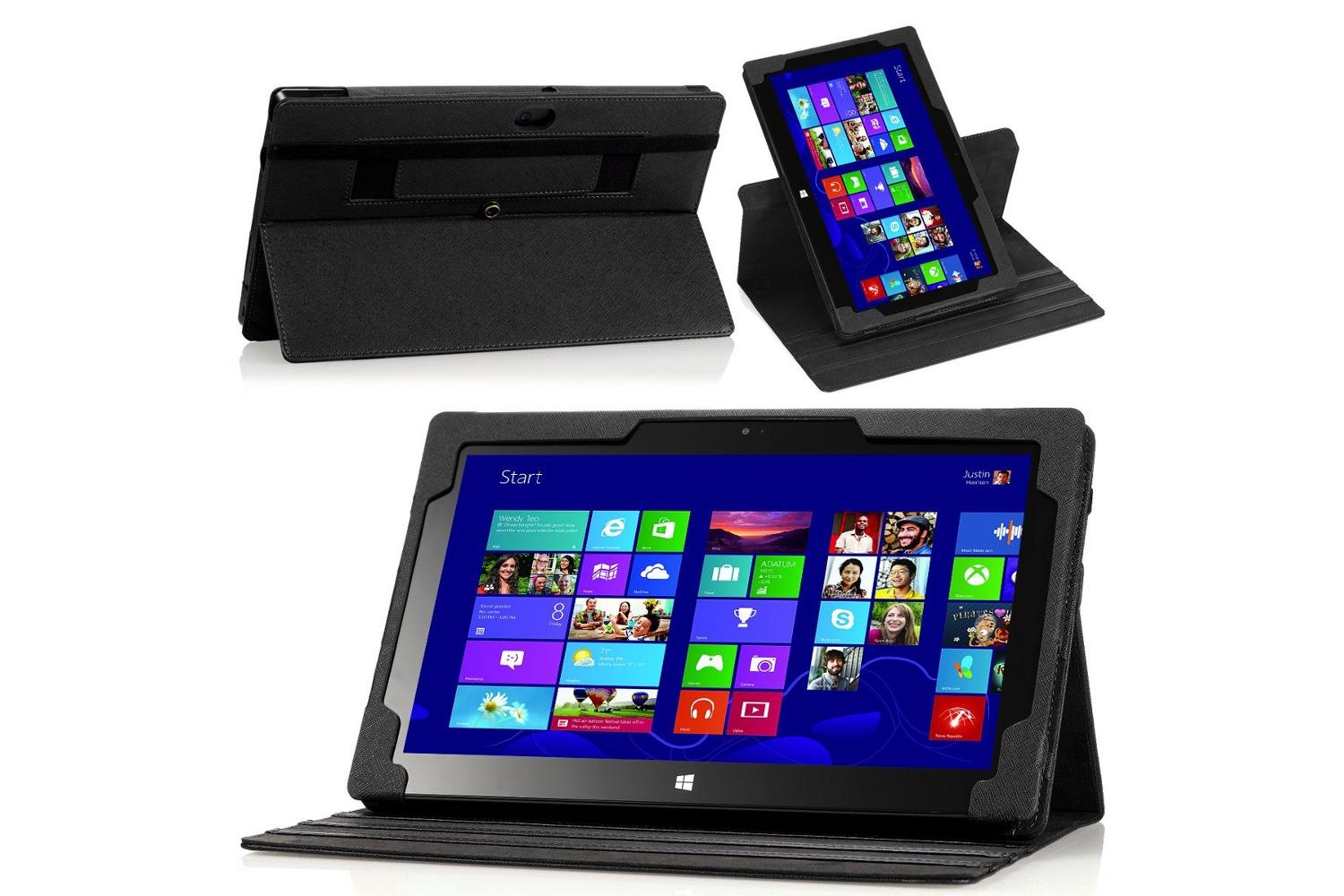
This is a really thoughtful case for the Surface 2 that allows you to prop the tablet in landscape view or swivel it to portrait. There’s also a hand strap for one-handed use. You can detach the sleeve if you just want to travel light with the basic case. It allows full access to ports and controls and it has magnets to keep the kickstand tucked away. It’s PU leather on the outside and soft microfiber inside. Be warned: some owners have trouble getting the Type Cover to work properly with this case, even though it’s advertised as compatible.
Maroo Surface 2 Folio Case ($50)
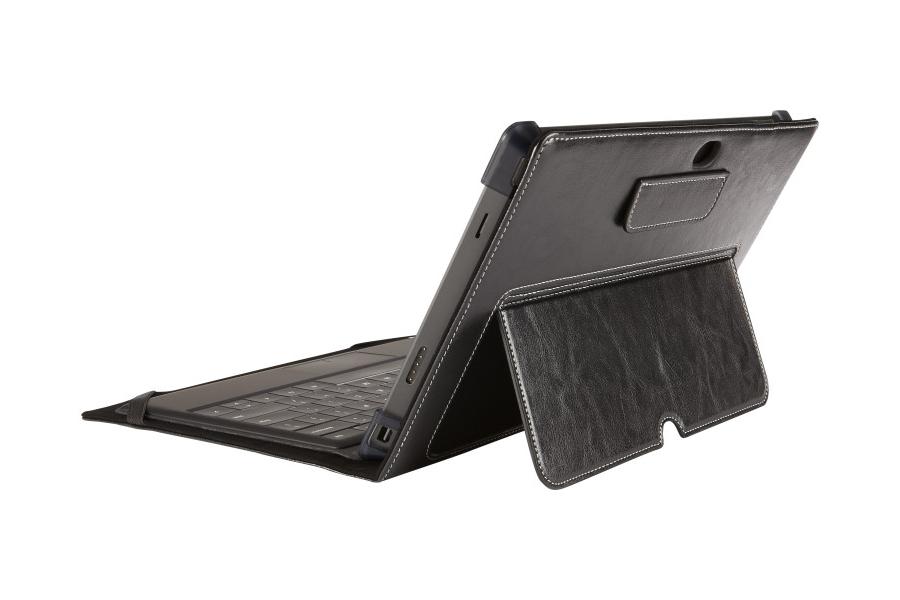
You have to pay extra to get genuine leather, but it’s worth it if you want that unmistakable finish and smell. The Maroo Folio Case is perfect for anyone on the go. The tough cow leather exterior in stylish black is complemented by poly-suede interior that keeps your Surface 2 pristine. There are also four corner covers, Maroo’s patented Safe Guard Bumper, which doesn’t restrict access, but should protect your tablet if it ever takes a tumble.
ArmorSuit MilitaryShield Screen Protector ($14)

No one wants scratches on their screen, but if you don’t fit a screen protector it’s always a risk. This offering from ArmorSuit comes with a lifetime replacement warranty. It should safeguard the display against scratching, and it helps to reduce smudges and fingerprints. The trick with screen protectors is to be very careful and follow the instructions when you first fit them, otherwise you can end up with bubbles or blemishes.
Arc Touch Mouse Surface Edition ($70)
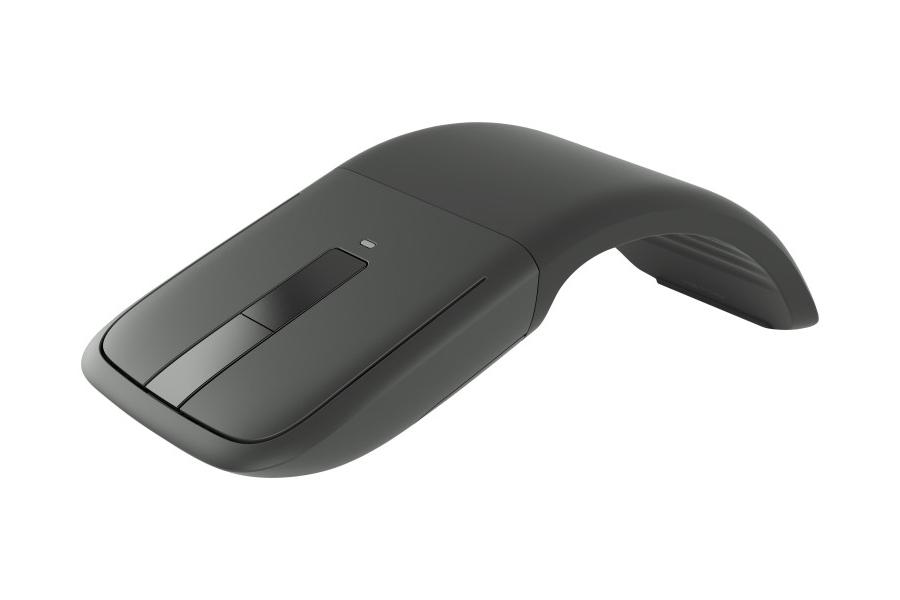
Once again this is expensive, even for a fold-flat Bluetooth mouse, but you can’t deny that it has some serious style. The bottom portion where you rest your hand can be stored flat and then curved for use. It has a soft touch, easy-grip, matte finish, and it’s really comfortable to use. The two buttons are slightly shinier than the body and, instead of an old-fashioned track wheel, there’s a touch strip in the middle.
Wireless Adapter ($60)
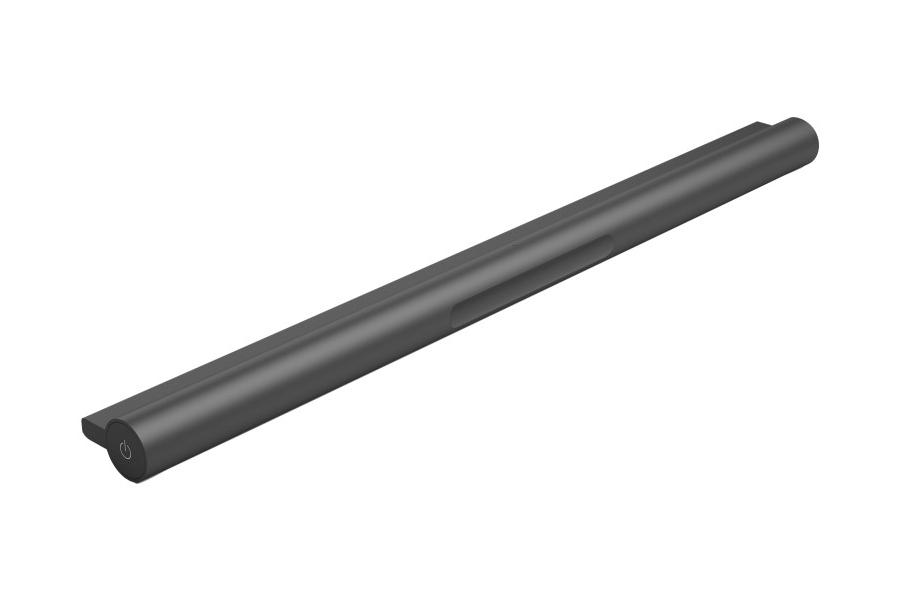
This Microsoft accessory could actually free up your Surface 2 to act as a media player connected to your TV. Using the Wireless Adapter you could control it from a distance with your Type Cover. It will also come in handy for anyone who doesn’t like to be that close to the screen all the time. It’s basically a Bluetooth accessory for the keyboard and it will appeal to specific people who have found the need to connect the keyboard a bit of a pain. It is kind of pricey for what it is, but official accessories usually are.
Power Cover ($200)
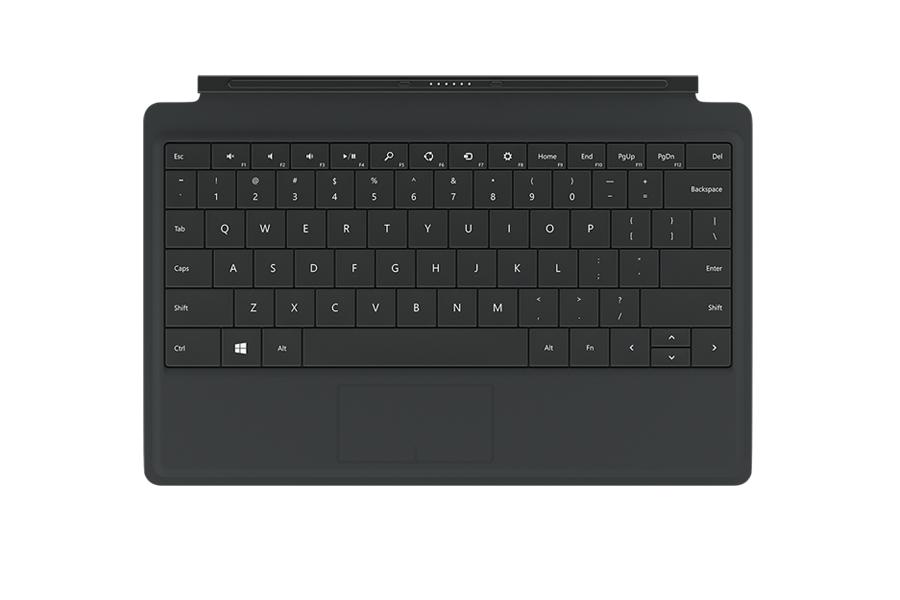
There is one Surface 2 accessory that is due to be released in the New Year and it will definitely make this list just as soon as it’s available. The Power Cover will set you back a hefty $200, but it’s basically a Type Cover with its own battery that’s designed to boost the Surface 2, so it can go for up to 50 percent longer between charges.
That’s all the Surface 2 cases and accessories we have right now, but post a comment to suggest more, or let us know how you got on with one of the accessories listed.
Editors' Recommendations
- Microsoft Surface Laptop 5, Surface Pro 9 heavily discounted today
- Nomad’s new iPhone accessory is unlike anything you’ve seen before
- Surface Laptop 5, Surface Pro 9 prices slashed at Best Buy
- Surface repair parts are now available via Microsoft Store
- Forget the Steam Deck — this modded Android phone is a gamer’s dream