
Apple MacBooks don’t come cheap and if you already spent some money on a new Mac you don’t want to shell out more for its peripherals. While there might be cheaper alternatives from third parties for mouses and keyboards they normally aren’t as compatible as having Apple devices. If you’re heading back to school and in need of new Apple accessories, Amazon has discounts on the Apple Magic Mouse 2, Apple Magic Keyboard, and the Apple Magic Keyboard with Numeric Keypad at discounted prices.
Apple’s price cuts on Amazon are rare, the company implements a no-discount-pricing policy so hurry and place your order now while stock is on hand.
Apple Magic Mouse 2
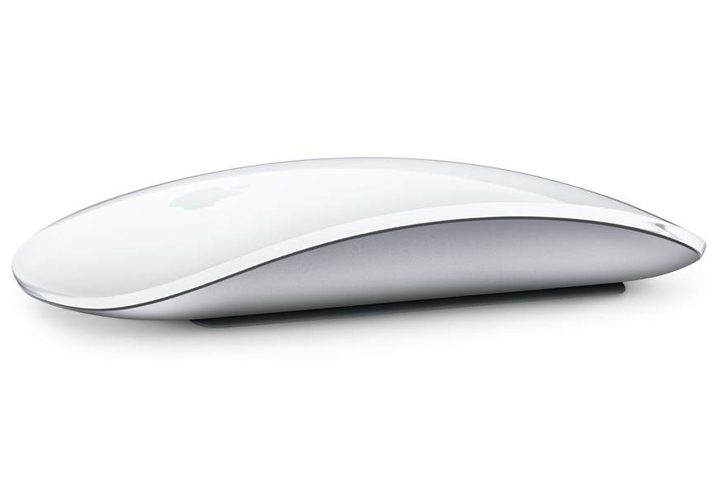
The Bluetooth-enabled Apple Magic Mouse 2 is a great accessory for any Mac or MacBook variant. This mouse has a continuous bottom shell and an optimized foot design to lessen resistance when moving across the desk and for easier tracking. It also has a Multi-Touch feature that allows users to perform different tasks using simple gestures, including scrolling through documents and swiping between web pages.
With its built-in battery, the Apple Magic Mouse 2 eliminates the need for traditional batteries. Just plug it into the included Lighting to USB cable when it is time to recharge.
Order the Apple Magic Mouse 2 on Amazon today for a 13-percent discount. You can now get the usually $79 Silver color for only $69. The premium Space Gray color, which normally goes for $99, also gets a price cut to $86.
Apple Magic Keyboard
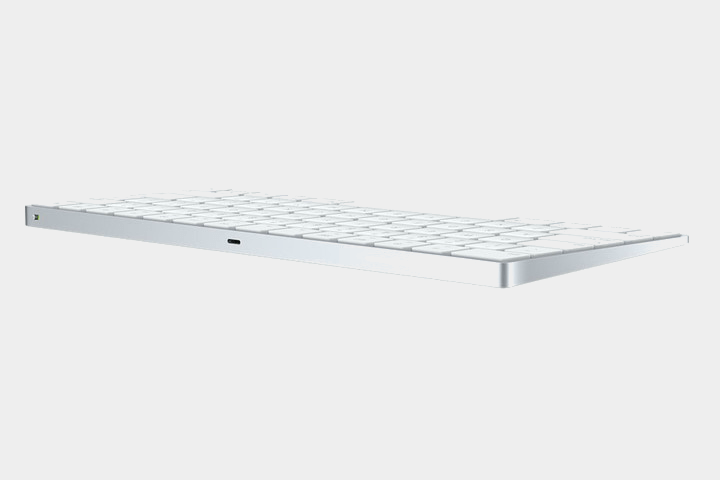
Pair your Mac or MacBook with the Apple Magic Keyboard for comfortable and precise typing. This wireless keyboard sports a stable scissor mechanism under each key, which results in a low profile and optimized key travel.
If you want the full keyboard experience, complete with directional keys and document navigation controls, the Apple Magic Keyboard with Numeric Keypad is your best option. It offers the same convenient typing as the Apple Magic Keyboard but with more functional keys you can find in a keyboard for desktop computers.
Save up to 13% when you get your Apple Magic Keyboard or Apple Magic Keyboard with Numeric Keypad on Amazon today. Hurry and place your order now.
- Silver Apple Magic Keyboard – $89
- Silver Apple Magic Keyboard with Numeric Keypad – $112
- Space Gray Apple Magic Keyboard with Numeric Keypad – $139
Looking for discounts on the Apple Watch, Apple iPad, iPhone, and more Apple products? Visit our curated deals page to keep posted with the latest deals.


