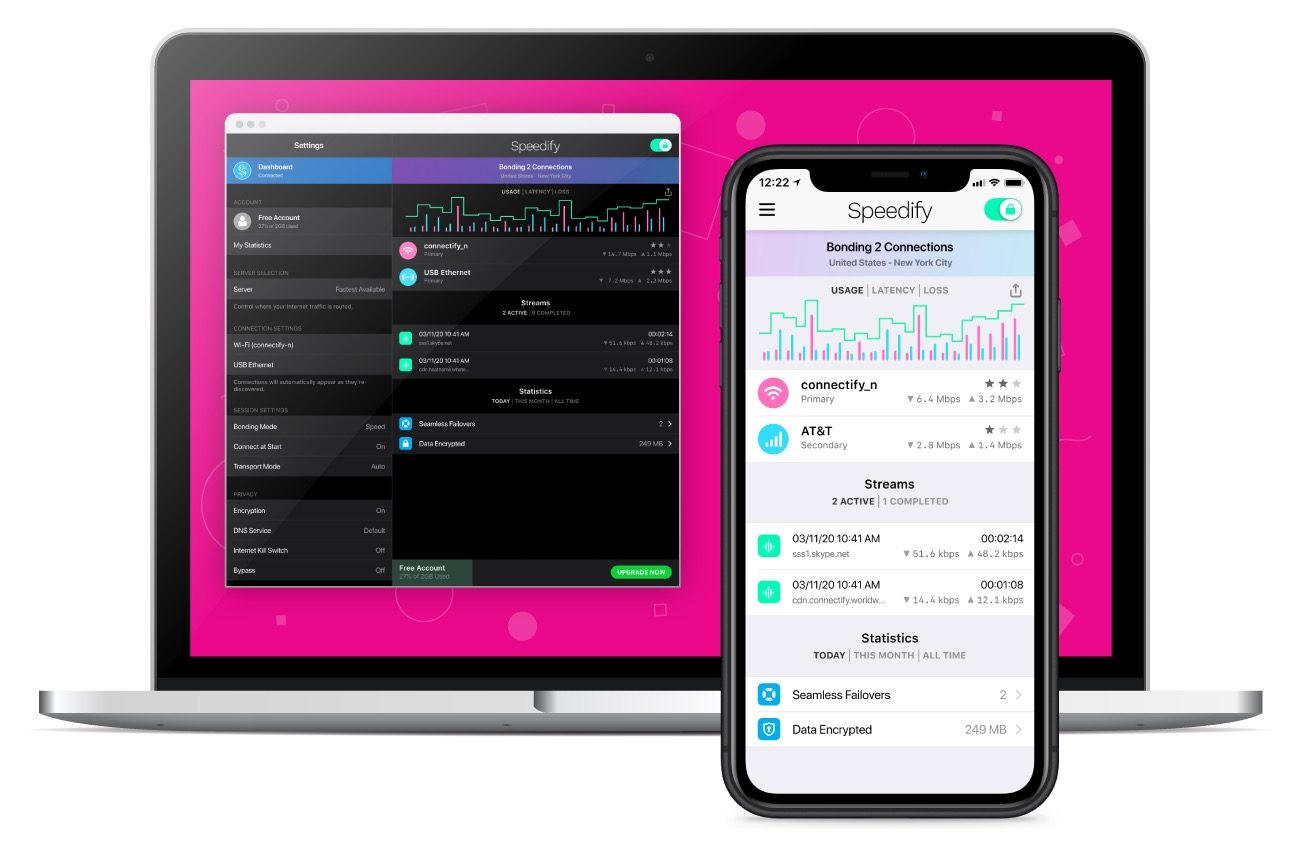
Ever wished for better and more reliable internet? If you’re tired of video calls that stutter and stop or file transfers that take forever, Connectify’s Speedify 10 is here to save the day – and it’s on sale for a limited time.
Speedify is the first VPN that can help you use all your internet connections at once, making it perfect for always-on users. Because of that, it’s the only VPN that makes your online experiences faster, more reliable, and more secure at the same time. To celebrate the recent launch of Speedify 10, it is offering up to 70% off its usual plan prices depending on how long you sign up for. If you choose the 3-year plan, that works out to only $3/month. Choose the 2-year plan and you get 60% off, making it the equivalent of $4/month. Alternatively, if you want to commit to just one year, it works out at $6/month, saving you 40%. Be quick though — this is a limited time only offer.
So, just what is all the fuss about Speedify 10, you may be wondering. Well, it’s a pretty neat concept.
Speedify takes advantage of the fact that, these days, we almost always have several internet connections available to us, whether it be home or office Wi-Fi, nearby public hot spots, mobile data, or Ethernet. It uses its unique channel-bonding technology to combine them all into one high-speed internet connection for all your needs, distributing traffic between them to boost performance without skipping a beat when you add or remove a connection.
Speedify 10 even enhances streaming by automatically detecting and prioritizing real-time voice and video, such as Zoom meetings, VoIP, and livestreaming. Avid gamer? If one connection drops, you won’t get kicked out of the game.
All you have to do is install the app onto your laptop, desktop, or smartphone and then Speedify 10 does the rest for you. There are apps available for iOS, Android, Windows, macOS, and Linux so everyone is covered here. A quick couple of steps later and Speedify bonds your connection, hooking you up with a speed that’s superior to what you are used to. We tested the iOS app and found that even with a fairly weak 4G signal, Speedify boosted our Wi-Fi connection by around 20%. It also means you won’t have to worry about connection drops which is sure to be useful when working from home.
The app is really easy to use, too, so you don’t have to worry about technical knowledge to get started and it works in the background once it has been set up. However, if you do want to get more involved, you can set priority rules for each internet connection to control how and when it should be used, and monitor its usage and performance with easy-to-read graphs. It can show you a number of interesting statistics like top speeds, data encrypted, and streams completed so you can see just when and how Speedify enhanced your online experience.
In addition to the stability and speed improvements that Speedify offers, it also utilizes the latest encryption standards to keep your information private while delivering over twice the performance of conventional VPNs on desktops and mobile devices. With Speedify you can be confident that your data is safe at all times, no matter what you’re doing online.
Right now, you can enjoy considerable discounts when signing up for Speedify. The current sale offers up to 70% off the usual price. That means a 3-year plan works out to only $3 per month, while a 2-year plan comes out to $4 per month, and a 1-year plan costs the equivalent of $6 per month. That’s a really low price to pay for a faster and more reliable internet connection compared to what it would cost to upgrade your ISP plan. With more of us working from home and enjoying streaming content, this is the ideal way to boost your service for only a few bucks a month.