Sometimes you don’t have to call crazy audibles for a play to work in Madden 22. It can be as easy as flipping your play at the line of scrimmage or pre-play from the Selection menu. But when should you be flipping plays in Madden 22? Let’s talk about how to flip your play in Madden 22 and why doing so can mean big yards for your offense.
- The top 5 best offensive playbooks in Madden 22
- Madden 22: Tips and tricks to up your game
- Is Madden 22 coming to mobile? Everything we know so far
How to flip a play
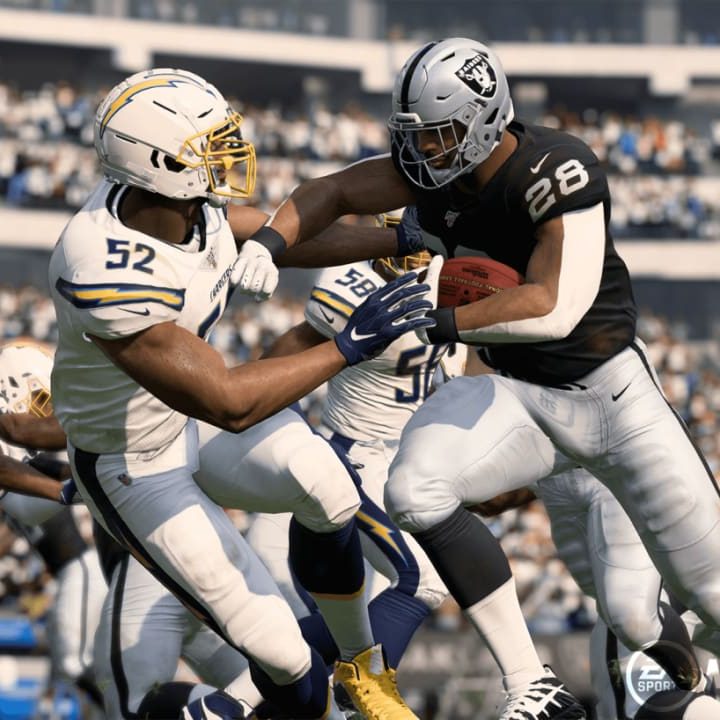
There are two ways to flip your play in Madden 22. The first happens at the Play Selection screen. Press the Right Trigger to flip the entire playbook, and then select the play you desire. At the line of scrimmage, pull up the Audible menu and press Right Trigger to flip the play on-field. Flipping on-field is time-consuming, and if the play clock is ticking down, you may risk a delay of game penalty. However, flipping the play on-field can confuse the defense, especially if they’re in Man Coverage.
So when and why should you flip a play in Madden 22? Most of the time, it has to do with outside run plays and on which hash marker the offense lines up. So let’s first understand what the hash markers mean.
Hash marks in Madden 22


- 1. Left Hash
- 2. Middle
- 3. Right Hash
You’ve probably noticed your offense lining up in one of three places: In the middle of the field, toward the left sideline, or toward the right sideline. You can tell where they’ll line up from the Play Selection screen. The three images above show the same formation in three different spots. For an easy time figuring it out, look at where the QB is on the play chart. You’ll always line up between the two hash lines, also known as the “seams” in football jargon.
You can also anticipate where your offense lines up based on where the last play finished. If you ran the ball toward the left sideline in the previous play and made it past the left hash mark, your offensive will line up toward the left sideline. The same goes for the right.
Flipping run plays based on hash marks


- 1. Outside run left off left hash.
- 2. Outside run right off left hash.
If you’re lined up on the left, an outside run to the left gives your RB less room to run. The same goes for screen passes and swing routes. These two images show the same play, HB Off Tackle, which is an outside run. We’re going to flip it so the run goes to the right to give our RB more room to run. Of course, this doesn’t mean you should sprint to the right sideline for a big gain. Hit the holes that open up, even if they’re right through the offensive line.
Flipping pass plays based on hash marks


- 1. Out Route left off left hash.
- 2. Out Route right off left hash.
When it comes to passing, this WR Out toward the left sideline is risky. Why? The defender doesn’t have too much field to cover; they can stay on top of the receiver and intercept the pass. So, we flip the play to the right to open up the field and make the defender lay off the receiver. Fire the pass in there once the WR makes their cut.
In the middle of the field, flipping plays doesn’t do too much. If you feel like you’re having better luck running at the left side of the defense, then maybe you’ll flip your running plays to exploit that weakness. Otherwise, don’t confuse yourself by flipping pass plays for no reason.