- Home
- Audio / Video
- Product Reviews
- TV Reviews
TV Reviews
About
On the hunt for your next TV? We’ve got you covered. You’ll find all of our latest reviews below, with top recommendations based on hands-on experience and in-depth reviews. If you’re not quite ready to buy, kick off your research with a collection of insightful and helpful buying tips with no-nonsense explanations of the latest TV tech terms and what they mean for you. Once your new TV lands in your home, come back for helpful setup guides to get the most out of your prized new TV.

The 7 best TVs for under $1,000 for 2024


Hisense UX TV review: ambitiously bright

Sony Bravia A95L QD-OLED TV review: the best of the best
LG StanbyME Go portable briefcase TV review: impractical fun

Hisense U7K ULED mini-LED TV review: A set for all seasons

TCL Q6 review: the price is right
TCL Q7 QLED TV review: a great buy, but enthusiasts need not apply

Sony Bravia X95L mini-LED TV review: brilliance in LCD
LG M3 Wireless OLED TV review: zero wires, zero problems
Sony Bravia X90L TV review: a surprise hit from Sony
Hisense U8K ULED TV review: not 8K and that’s OK
Samsung QN90C Neo QLED TV review: what premium looks like
TCL QM8 mini-LED TV review: massive appeal

Sony Bravia X93L mini-LED TV review: premium performance without the ‘Sony tax’
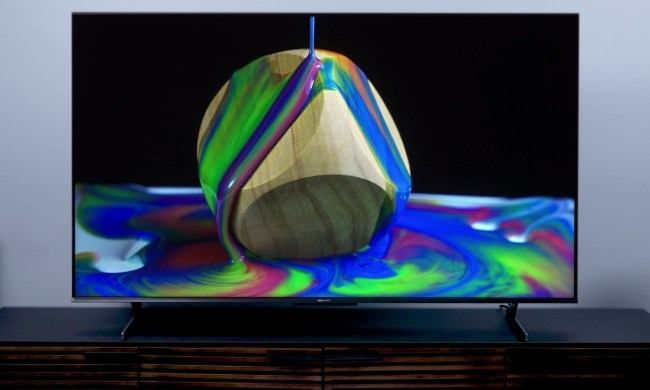
Hisense U8H mini-LED TV review: a budget videophile’s dream

Hisense U7H (65U7H) review: punching above its weight
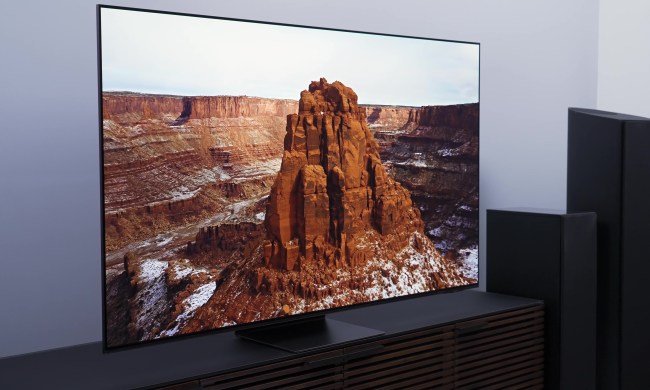
Samsung S95C OLED TV review: jaw-droppingly gorgeous
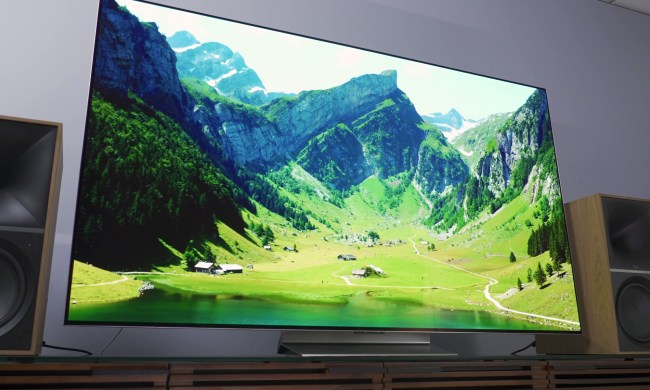
LG G3 OLED review: dangerously close to perfect

Roku Plus Series TV review: better than you may expect
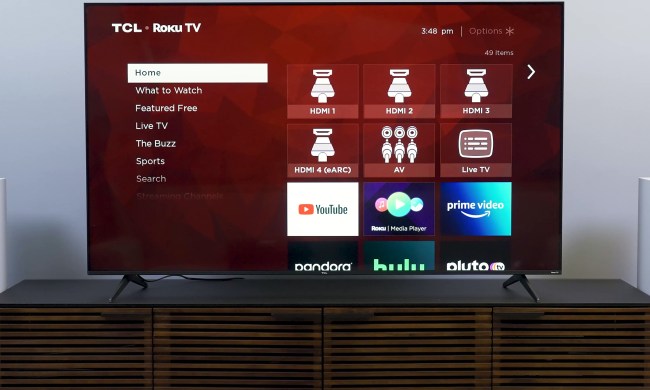
TCL 5-Series (S555) Roku TV review: unsurprisingly good
Apple TV 4K (2022) review: overpowered in all the right ways
Amazon Fire TV Omni QLED review: Amazon’s best screen yet
The new 2022 TCL 6-Series TV is dangerously good
Vizio M-Series Quantum X TV review: the Goldilocks TV
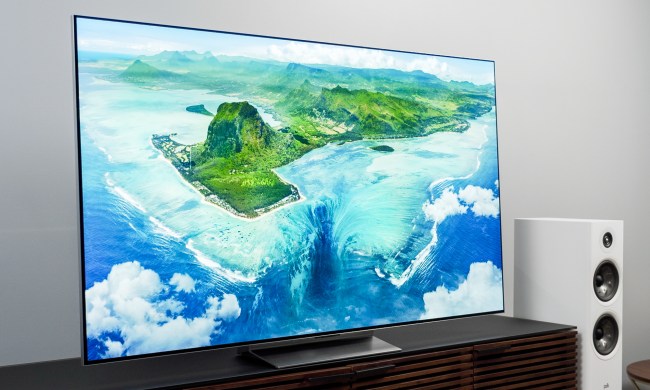
LG G2 OLED TV review: a truly elevated OLED TV

Samsung S95B OLED TV review: A legitimately revolutionary TV

Vizio 2022 P-Series Quantum X review: Bright, bold, beautiful
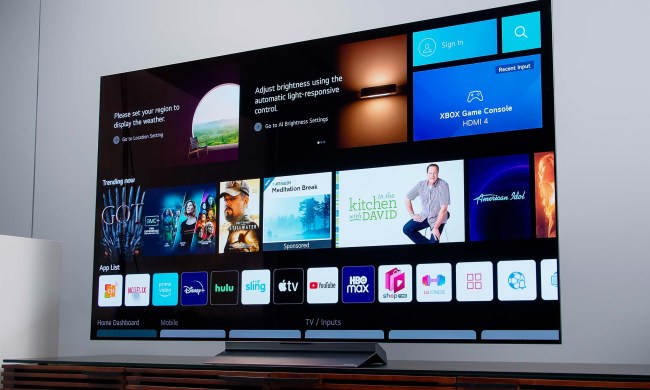
LG C2 OLED TV review: Premium TV sweet spot

Sony Bravia X95K mini-LED TV review: Bright and deep

Sony A95K QD-OLED TV review: A quantum leap for OLED

TCL 6-series Google TV (R646) review: Gorgeous but glitchy

Hisense U7G 4K HDR TV review: Confidently click ‘buy now’

Sony Bravia XR Z9J Master Series 8K HDR TV review: Peerless but pricey
Audio / Video News


Headphones


Audio / Video Reviews


Music Streaming Services





The most expensive TVs can cost more than a solid used car, and guess what? You can’t drive them. But the good news is, you can actually score a great TV for less than $1,000. Brands like TCL and Hisense are renowned for budget-friendly sets that kick and punch just as hard as some mid-tier, and even premium, Samsung, Sony, and LG models. We mention those three latter names because they’ve been the undisputed TV titans for years on end, for good reason.
But whether you just don’t feel like throwing down the dough for a high-priced set from one of the big TV brands (we don’t blame you), or you'd rather invest in one of the great alternatives out there, we’ve rounded up all the best TVs under $1,000 you can buy right now.
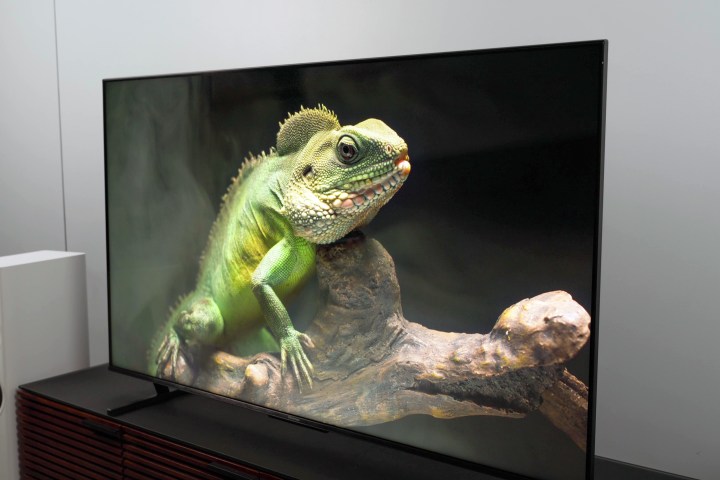
Hisense 55-inch U8K ULED
Our favorite TV for under $1,000
- Excellent brightness
- Vivid HDR colors
- Very good backlight control
- Excellent contrast
- Great for gaming
- Some color anomalies
- Scattered software bugs
Our favorite TV for under $1,000 is the 55-inch Hisense U8K, and this wasn’t a tough call in the slightest. Our own editor-at-large, Caleb Denison, was totally blown away by a number of the U8K’s impressive features, but a true standout was its peak brightness capabilities. For those nit nerds who have a vested interest in those kinds of specs, we captured max brightness output at 2,000 nits (although it promises only 1,500), which is pretty darn good in our book! The U8K also scores big in the color accuracy and motion clarity departments (with the former being slightly better than the latter).
HDR connoisseurs will also be pleased to know that the U8K supports HDR10, HDR10+, and Dolby Vision. And as far as streaming content goes, we can never stop singing the praises of Google TV, which just so happens to be Hisense’s operating system of choice. Stream movies and TV shows from services like Netflix, Hulu, Amazon Prime Video, Disney+, and Max, while Google builds personalized recommendations for you based on your viewing history.
In terms of sound quality, the U8K isn’t too shabby either. In fact, Hisense is really the last of a dying breed when it comes to TV companies that care about giving you decent speakers. No, it’s not a surround-sound replacement, but if you’re stuck without Dolby Atmos or even a soundbar, the U8K’s onboard audio will do just fine.
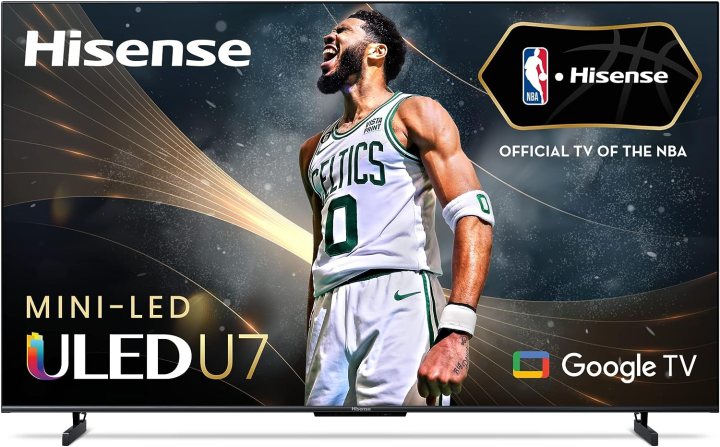
Hisense 65-inch U7K
The runner-up
- Effective HDR contrast and color
- Very good backlight control
- Excellent anti-glare
- Great for gaming
- Poor off-angle viewing
The Hisense U7K is extremely close to being a carbon copy of the U8K, but there are a few picture and sound features that hold this model back just a tiny bit. But if you’re looking to score one of the best deals you can get on one of the best 65-inch TVs in 2023, these little demerits may work in your favor. On paper, the U8K has less local dimming zones (384 compared to 1,008 on the 65-inch U8K), a lower peak brightness (1,000 nits compared to the U8K’s 1,500), and two missing audio channels (the U7K is billed as a 2.1 system, while the U8K rocks a 2.1.2 array). Otherwise, the U7K shares the same mini-LED and quantum-dot tech for incredible color and contrast (with support for Dolby Vision, HDR10, HDR10+, and HLG).
Differences aside though, the U7K is still a phenomenal TV with next-gen gaming features, including its Game Mode Pro. which utilizes HDMI 2.1 that automatically adjusts to gaming with auto low latency mode (ALLM), and has a 144Hz variable refresh rate (VRR) for lag-free PlayStation 5 and Xbox Series X/S gaming. Dolby Atmos support also means excellent immersive surround sound from your capable receiver and speaker system or compatible Atmos soundbar, which we have several suggestions for, should you need one.
The Hisense U7K, like all of Hisense's latest TVs, runs Google TV's smart interface for all things Netflix, Hulu, Disney+, and more. It's also Google Assistant-capable for searching for TV shows and movies, as well as controlling smart home devices with your voice.
And even though you can usually grab the Hisense U7K for an exceptionally good price, you can save even more by stepping down one rung to the Hisense U6K. While the U6K only has a 60Hz panel and less gaming optimizations than the U7K, it's still a bright, colorful, and reliable model.
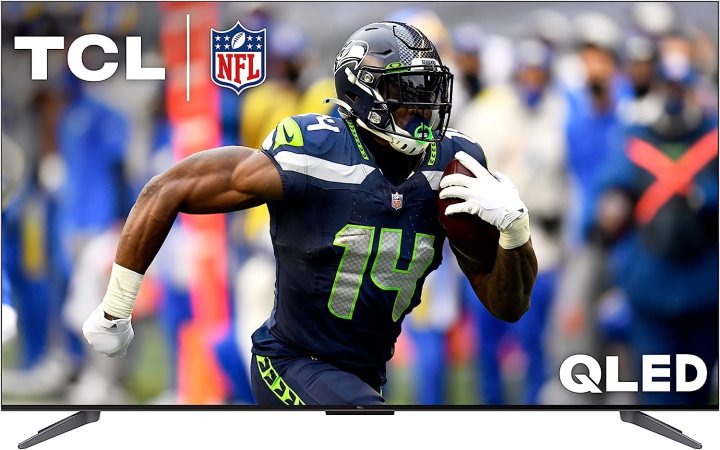
TCL 65-inch Q7 QLED
Another awesome TCL
- High brightness
- Great contrast
- Vivid color
- Great for gaming
- White balance is just bad
- Color is technically inaccurate
- Inconsistent picture quality from streaming apps
The TCL name has come a long way to become one of the best TV brands on the market, and anyone looking for a powerful QLED TV for less than a grand will be interested in this TV.
Its arresting brightness performance has been improved thanks to its High Brightness Pro LED backlight at up to 1,000 nits peak. The Q7's backlight also has more than 200 full-array local dimming zones that dynamically adapt to on-screen content. Boasting quantum dot-boosted colors, advanced HDR support (Dolby Vision IQ, HDR10+, HDR10, and HLG), and gamer-optimized 240Hz VRR (the Q7 has a native 120Hz refresh rate), the Q7 QLED performs like it costs way more than a grand.
Google TV runs the show for all things smart and smart-adjacent (like Google Chromecast). Similar to Hisense’s duel of the U8K and U7K models, the only differentiator between TCL’s Q7 and QM8 is the amount of local dimming zones and peak brightness levels. If you’ve got the extra dough to spare, you may want to opt for the company flagship, but the Q7 is still an incredible pick.
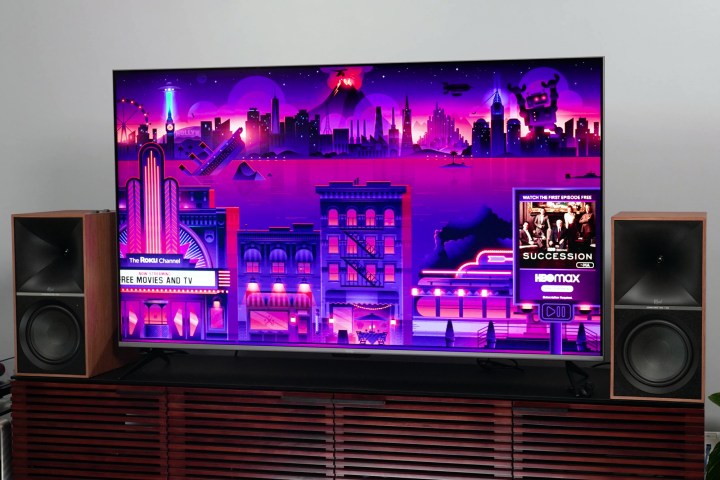
Roku 65-inch Plus Series QLED
Best for Roku OS enthusiasts
- High brightness
- Brilliant color
- Snappy operation
- Impressive sound
- Great remote
- Poor off-angle performance
- Contrast suffers in high-brightness scenes
- Some motion blur
Roku's TV OS is one of the go-to platforms for entertainment apps like Netflix, Disney+, and Amazon Prime Video, and the company has been making exceptional streaming devices for almost two decades. Thus, it was only a matter of time before Roku decided to make its own TVs, and they’re sold exclusively through Best Buy.
Enter the Roku 65-inch Plus Series QLED. As far as pros go, the Plus Series QLED delivers exceptional brightness and accurate colors, as well as some top-notch sound for the price. This latter feat is becoming increasingly difficult to satisfy without a soundbar, so the fact that Roku achieved a full and rich soundstage using just TV speakers is a big deal.
What we’re not a fan of here is the 60Hz refresh rate. That’s the motion clarity cap on this model, and while stutter and blur are less evident on smaller screens, a 65-inch panel is going to have more trouble hiding these maladies. This is going to be a deal-breaker for some, and we totally get it, but for those who don’t mind a little blur once in awhile, the Plus Series is still an exceptional choice for a large LED.
It’s also got four HDMI inputs, AirPlay 2 compatibility, and full-array backlighting, which means there are LEDs behind every square-inch of the screen, instead of just the edges.

Amazon 65-inch Fire TV Omni QLED
Affordable, with Amazon Fire TV baked in
- Excellent Fire TV experience
- Great smart home hub
- Adequate picture performance
- Fun features
- Lacks HDR punch
- Price-to-picture performance ratio is off
Amazon’s first-party TVs are pretty good when it comes to overall picture quality, but even better when it comes to saving you cash, and that's where the Fire TV Omni QLED comes in.
Amazon has been making TVs for a few years now, and while they’re not the kinds of sets we’d point all our friends toward, these Alexa-powered displays are great when funds are limited. But you know what? The 65-inch Omni QLED is actually pretty awesome all-around, and it costs far less than the average 65-inch LED at around $800.
Perhaps the biggest win to write home about is that the Omni QLED supports each and every HDR format out there (Dolby Vision IQ, HDR10+ Adaptive, HDR10, and HLG). So whether you’re streaming your favorite movies from Netflix or popping in your 4K Blu-ray copy of Jurassic World: Dominion, the Omni QLED is equipped to push the kind of breathtaking brightness, colors, and contrast that one should expect from an HDR viewing. This Amazon Omni TV also has Amazon's Adaptive Brightness feature that, if utilized, actively measures the lighting in your room and optimizes the TVs brightness. It also features the Fire TV Ambient Experience that turns the TV into an art display when idle -- it can feature your photos, Alexa widgets, and more than 1,000 works of art.
Omni also has Alexa built in, allowing you to control all the smart home devices in your house. Yes, the Omni QLED has a little bit of trouble with light blooming, and the refresh rate only tops out at 60Hz, but it’s going to be pretty difficult to score this insane of a deal for a screen as big, bright, and colorful as this one.
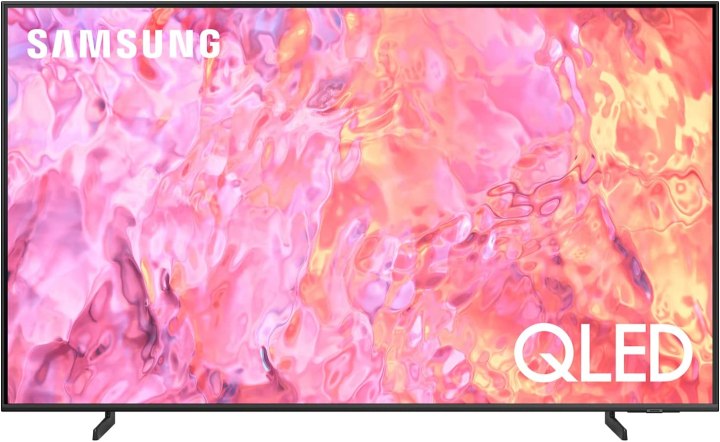
Samsung 70-inch Q60C QLED
A big screen for less than $1,000
- Great price for the size
- Solid 4K upscaling
- Decent HDR performance
- Only 60Hz refresh rate
- Some issues with light blooming
- Not as advanced as other models on this list
It’s not an overperformer in the picture quality department, but for the size and the price, the Samsung 70-inch Q60C QLED delivers a solid big TV experience, especially for fans of the Samsung name that want as big of a TV as they can get.
Sometimes the most important part of a new flat-screen purchase is making sure the screen is as big as possible. Unfortunately, most 65-inch-plus TVs cost a pretty penny, but we were determined to find a make and model that came in below cost, while still delivering an awesome picture, and so we’ve landed on the Samsung 70-inch Q60C QLED. To be honest, we didn’t think we’d be able to include a Samsung in this roundup at all. We all know it makes amazing TVs, but for something on the bigger side, they’re usually way more than $1,000. The Q60C really fits the bill though.
As far as picture tech goes, the Quantum Processor Lite handles all 4K optimization, ensuring that even SDR sources look crisp and colorful. There’s also some pretty decent HDR support (HDR10+ and HLG) and motion acceleration built in for good measure. The latter is much needed though, because a big part of your savings on the Q60C comes from the set’s native 60Hz refresh rate. Yeah, it’s not exactly ideal for a larger screen, and we don't recommend this TV for gamers, but there’s plenty to love about this Samsung (including awesome smart TV features and Object Tracking Sound Lite), even though it doesn’t have a 120Hz panel.

Sony 65-inch X80K Series
Sony name and image processing for less than a grand
- Bright and colorful picture
- Solid 4K upscaling
- Great gaming optimizations
- Only 60Hz refresh rate
- Not the best HDR performance
Sony is one of the top brands in the world of TVs, but there’s usually quite a premium to pay if you want to own a Bravia mini LED or QD-OLED. That’s why we’re glad to draw attention to the Sony 65-inch X80K.
Going back to basics, the X80K is a traditional LED-LCD built on the Google TV UI. While we’re not dealing with a fully backlit screen, the X80K can get plenty bright, and has a wide viewing angle. With the Cognitive Processor X1 and Triluminos Pro handling upscaling, colors, and contrast, the X80K is terrific at making older content look revamped.
The TV does have a couple of flaws though. Because there’s no local dimming to speak of, HDR dark scenes tend to look gray instead of black. The screen also isn’t great for standing up against harsh sunlight, and there’s no VRR support either.
These few qualms aside though, the Sony 65-inch X80K delivers a solid picture for the price, and gets you a model from one of the most reliable brands in the business.
Frequently Asked Questions
You'll be able to find a TV as large as 75 inches for under $1,000.
Yes, but very rarely with deals. OLED TV technology still is primarily available on high-end models that soar beyond the $1,000 mark. But we're starting to see some models dip below a grand.
Using either Google Home, Fire TV, or an Amazon Echo, you can pair many modern TVs with Google Assistant and Amazon Alexa. Many newer TVs have these options built-in, so you can use them without buying a separate appliance. Unfortunately, no current models of TVs have Siri built-in, so you’ll have to try a workaround. For example, TVs that support AirPlay 2 and HomeKit let you control them by using Siri on an iOS device, such as an iPad, iPhone, iPod, and Mac.
The No. 1 thing to consider is HDMI in terms of outputs and inputs. We recommend purchasing a TV with HDMI ARC or eARC, which means your TV audio can stream to an AV receiver or a soundbar. Every TV we’ve included on this list has at least one HDMI ARC port, and most have three total HDMI ports. This means you’ll have plenty of image and audio channels available to connect gaming consoles, Blu-ray players, and set-top streaming devices to your system. Getting the latest generation of HDMI is also important for enabling the most recent visual/audio options.
There are several times in the year that are good for buying a TV. Let's get the obvious out of the way — Black Friday and the surrounding holidays tend to have the best deals for things like TVs, so November and December are clear choices. But if you missed a deal or it ran out of stock, these can also be annoying months to buy. We suggest also looking for deals in January when brands discount in preparation for the Super Bowl, and in April and May, when many TVs go on sale.
With proper care, TVs can last for many years. But Samsung and LG have particularly good reputations for durable TVs that can handle long-term use without developing annoying issues like damaged pixels, while still offering top-notch quality. Check out our excellent post on the best TV brands for more details.