- Home
- Computing
Computing
About
News, reviews, and discussion about desktop PCs, laptops, and everything else in the world of computing, including in-depth buying guides and daily videos.


How to block a website









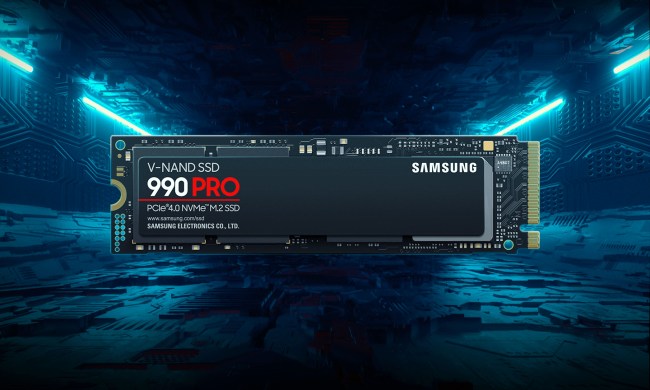
Best SSD deals: Samsung 990 Pro discounts
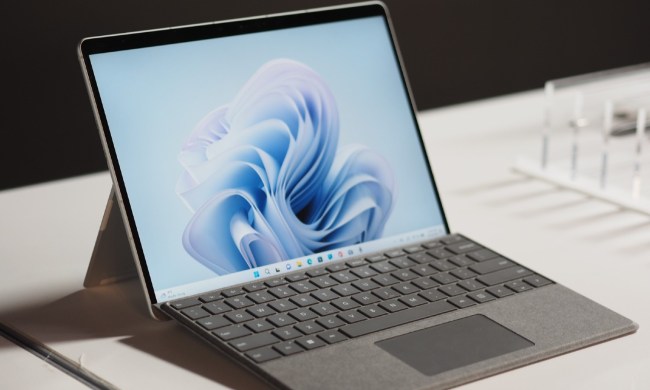
Hurry! Surface Pro 9 and Surface Laptop 5 have hefty price cuts today
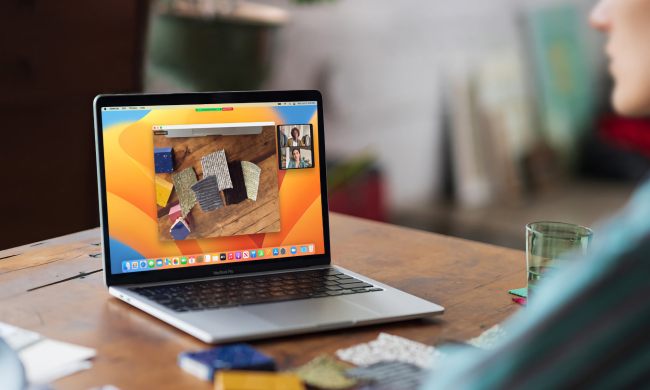
Best MacBook deals: Get an Air for $605 and save on M3 MacBook Pro
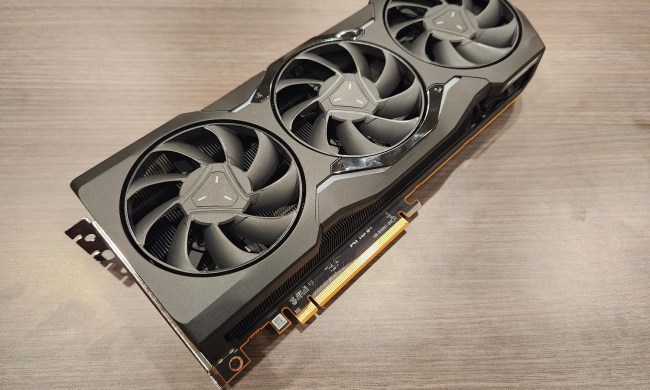
AMD’s gaming revenue is down by 48%, and it won’t get better


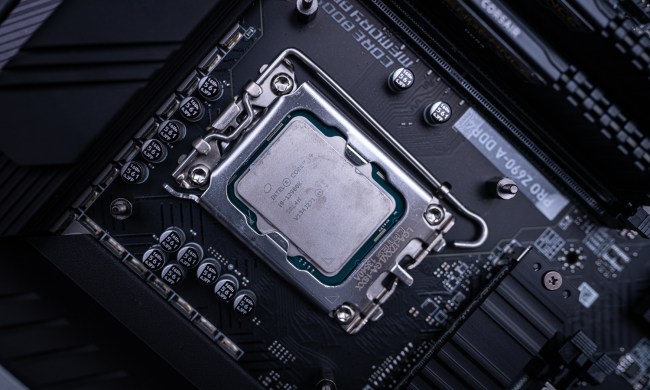
How to undervolt a CPU: Complete guide to undervolting

Lenovo ThinkPad deals: Save over $1,000 on the classic laptop
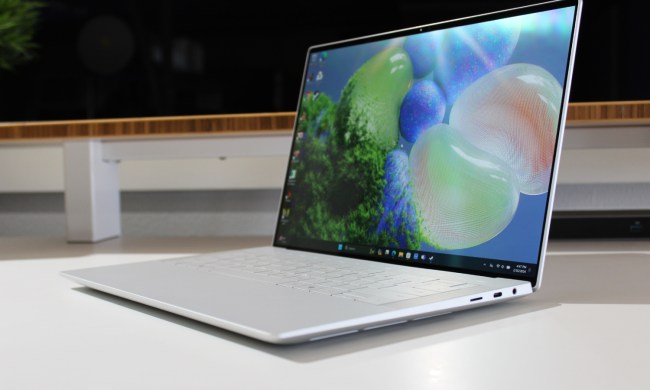
Best laptop deals: Save on the Dell XPS 14, MacBook Pro 16 and more

Windows 11 may bring Live Tiles back from the dead — sort of

Best HP laptop deals: Get a 17-inch workhorse for $370 and more

The ROG Ally X is official — and it sounds like a huge upgrade

HP Envy deals: HP’s most popular laptop starts at $630
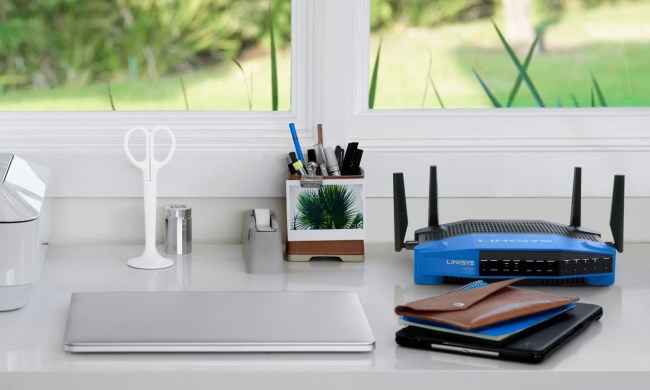
Best home internet deals: AT&T, Spectrum, Optimum and more

Best gaming PC deals: Lenovo Legion, ASUS ROG, Acer Predator
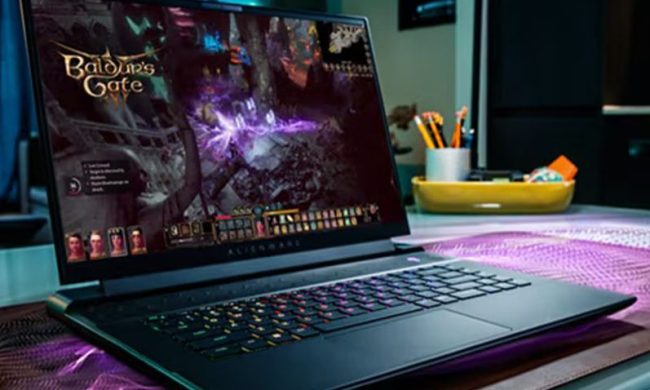
Best gaming laptop deals: Alienware, Razer, Asus and more

Best desktop computer deals: The cheapest PC deals today

Best Dell laptop deals: Cheap laptops starting at $280

Intel’s next-gen desktop chips may embrace these two major changes
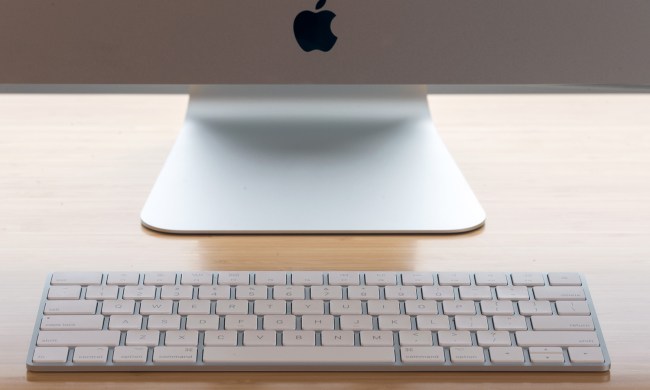
iMac deals: New, renewed and refurbished iMac computers
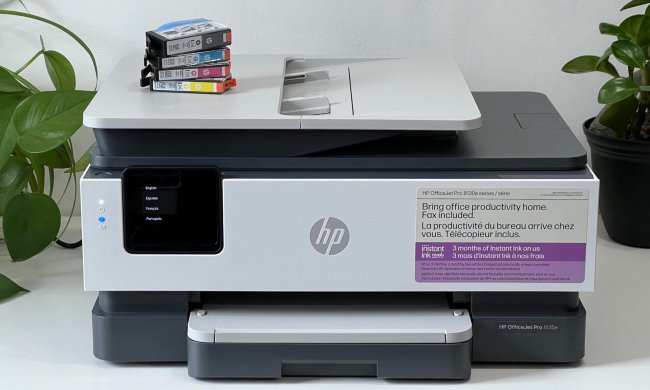
HP OfficeJet Pro 8135e review: home office printing on a budget
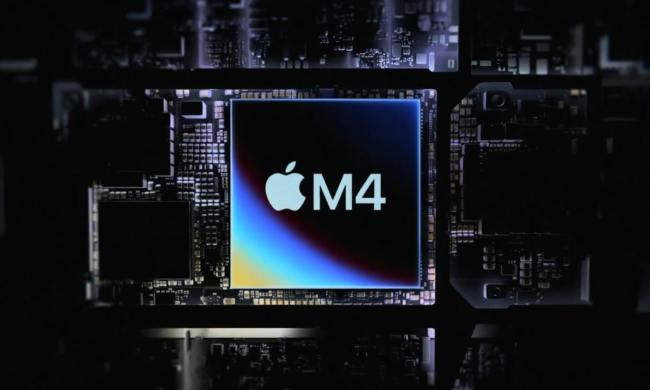
M4 vs. M3: How much better are Apple’s latest chips?
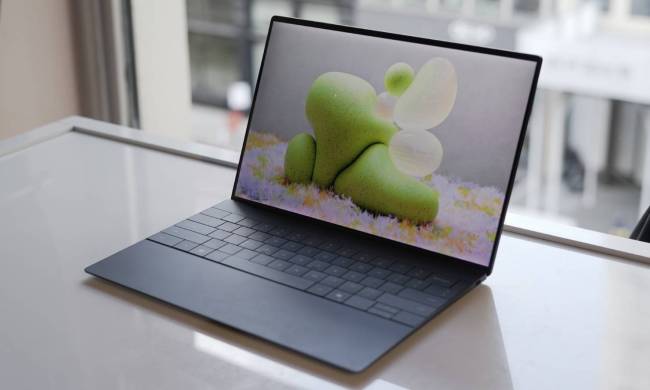
Dell’s XPS 13 for $599 deal is back, and who knows for how long

Best Buy Spring sale: Save on TVs, laptops, appliances, and more
Computing News


Laptops


Computing Reviews


Nvidia


Trending Downloads



Luke Larsen is a Senior Editor at Digital Trends and manages all content covering laptops, monitors, PC hardware, and everything else that plugs into a computer. Luke joined Digital Trends in 2017 as a native Portlander, happy to join a media company that called his city home. His obsession with technology is in observing the ebb and flow of how technological advancement and product design intersects with our day-to-day experience of it. From digging into the minute details to stepping back and seeing the wider trends, Luke revels in telling stories with tech.
Before working at DT, he worked as Tech Editor at Paste Magazine for over four years and has bylines at publications such as IGN and The Oregonian. When he’s not obsessing over what the best laptop is or how Apple can fix the Mac, Luke spends his time playing designer board games, quoting obscure Star Wars lines, and hanging with his family.